Chapter 5 Operations — Updating the rmware
ENGLISH - 265
Conrming the computer setting
Conrm the network setting of the computer to be used for update, and make it possible to connect with the
projector to be updated via network.
Updating the rmware
1) Extract the compressed file downloaded from the website.
f The rmware update tool (executable le in exe format) is generated.
File name (example): FirmUpdateTool_REQ15_101.exe
(Update tool for PT-REQ15/PT-REZ15 with version 1.01)
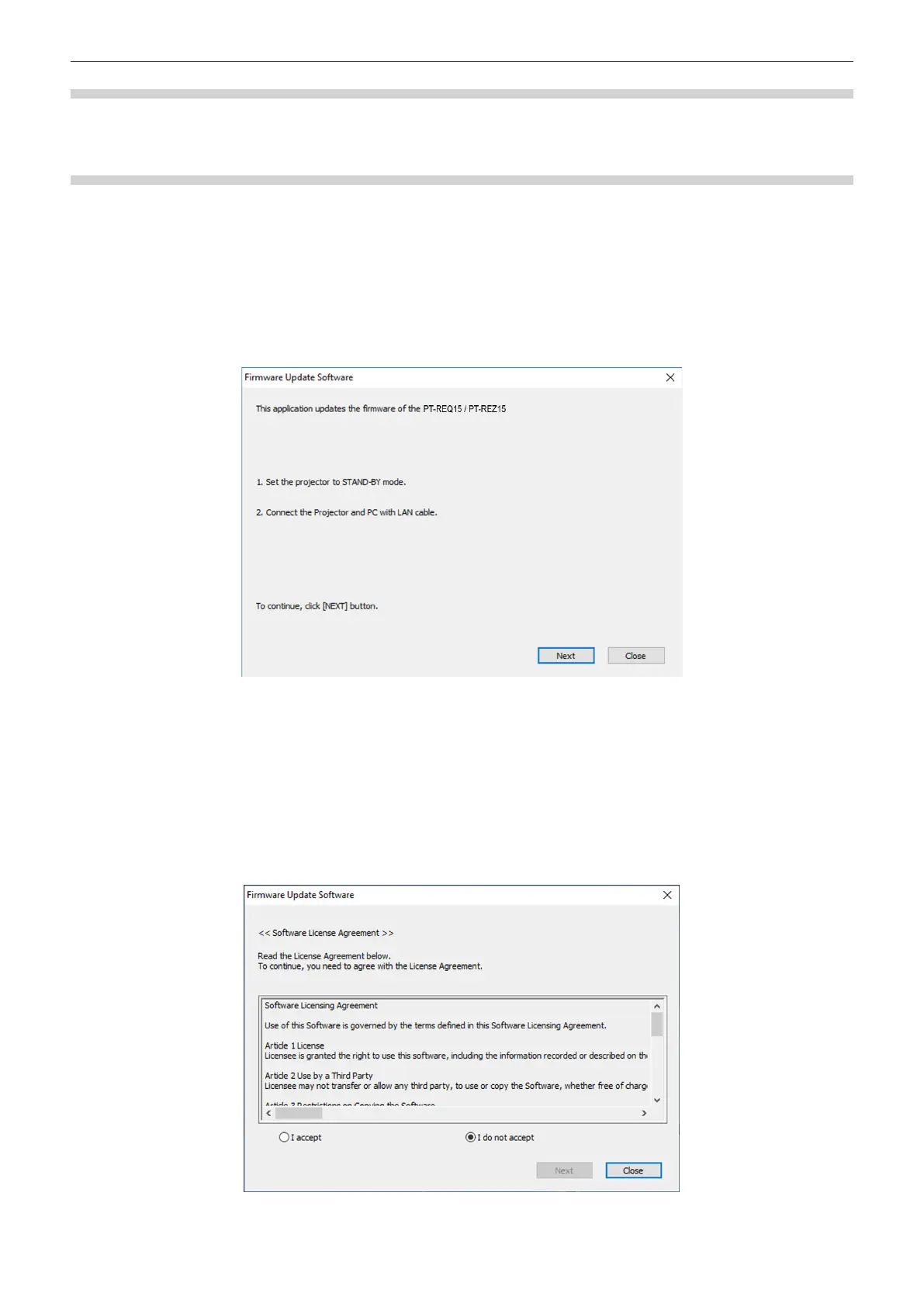
2) Double-click the executable file generated by extracting.
f The update tool is started up, and the conrmation screen is displayed.
3) Confirm the status of the projector.
f Conrm that the projector to be updated is in the standby mode.
4) Confirm the connection status.
f Conrm that the projector to be updated and the computer to be used for update are correctly connected to
LAN.
5) Click [Next].
f The license agreement screen is displayed.
f Conrm the content of the license agreement.
f The update tool will end by clicking [Close].














 To Next Page