Chapter 7 Appendix — Technical information
ENGLISH - 281
Control details
r LIGHT OUTPUT
This can be set in 256 steps between 100 % and 0 %.
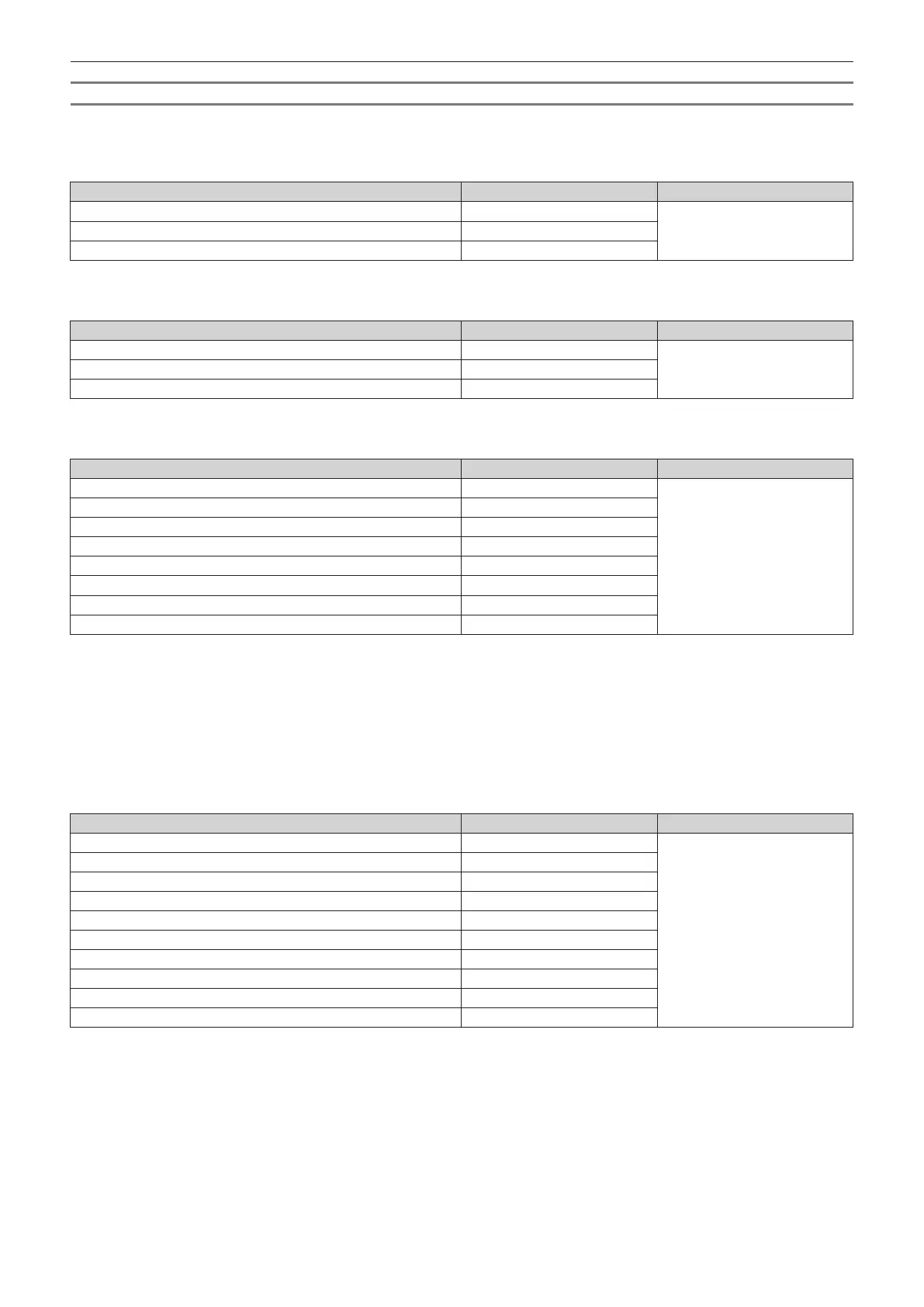
Performance Parameter Default value
100 % 0
0… …
0 % 255
r INPUT SELECT (when [Art-Net CHANNEL SETTING] is set to [1])
Performance Parameter Default value
No operation 0-39
0HDMI1 40-47
No operation 48-255
r INPUT SELECT (when [Art-Net CHANNEL SETTING] is set to anything other than [1])
Performance Parameter Default value
No operation 0-31
0
HDMI1 32-39
HDMI2 40-47
DisplayPort 48-55
No operation 56-79
SLOT-1
*1
80-87
SLOT-2
*2
88-95
No operation 96-255
*1 Switches the input to SDI, SDI OPT1, DIGITAL LINK, PressIT, or SLOT.
SDI: When the optional 12G-SDI Terminal Board (Model No.: TY-SB01QS) is installed in <SLOT>
SDI OPT1: When the optional Function Board for 12G-SDI Optical (Model No.: TY-SB01FB) is installed in <SLOT>
DIGITAL LINK: When the optional DIGITAL LINK Terminal Board (Model No.: TY-SB01DL) is installed in <SLOT>
PressIT: When the optional Wireless Presentation System Receiver Board (Model No.: TY-SB01WP) is installed in <SLOT>
SLOT: When the Function Board by other manufacturers is installed in <SLOT>
*2 Switches the input to SDI OPT2 when the optional Function Board for 12G-SDI Optical (Model No.: TY-SB01FB) is installed in <SLOT>.
r LENS FUNCTION SELECT
Operate together with LENS CONTROL.
Performance Parameter Default value
No operation 0-15
0
LENS H SHIFT 16-31
LENS V SHIFT 32-47
LENS FOCUS 48-63
LENS ZOOM 64-79
Move to the home position 80-95
Load LENS MEMORY 1 96-111
Load LENS MEMORY 2 112-127
Load LENS MEMORY 3 128-143
No operation 144-255














 To Next Page