Wi-Fi link optimization
ANAFI U SA’s ecosystem is designed to optimize, in real time, the Wi-Fi communications between the
Skycontroller and the drone. By default, the ecosystem automatically selects the most efficient Wi-Fi
channel available.
In urban environments, 5 GHz Wi-Fi channels typically suffer less interference than 2.4 GHz channels.
Refer to the “PREFERENCES / Network” section of this guide for more information on Wi-Fi channel
management and allowing automatic switching to 5 GHz channels.
To maintain an optimal Wi-Fi link between the remote control and the drone, remember to keep a
clear line of sight between them, and always direct the antennas of the Skycontroller toward
ANAFI U SA.
Several FreeFlight 6 USA alerts enable you to react before a complete loss of Wi-Fi link. If the
connection breaks down, ANAFI USA automatically initiates an RTH procedure. By default, the drone
flies upward to 30m and starts flying toward its take-off position.
In most cases, this behavior enables a very fast recovery of the Wi-Fi link between the remote control
and the drone, and pilots regain full control of the flight.
Refer to the “Returning home”, “Smart RTH”, “Coordinates and advanced RTH settings” and
“PREFERENCES / Safety” sections of this guide for more information on RTH configuration.
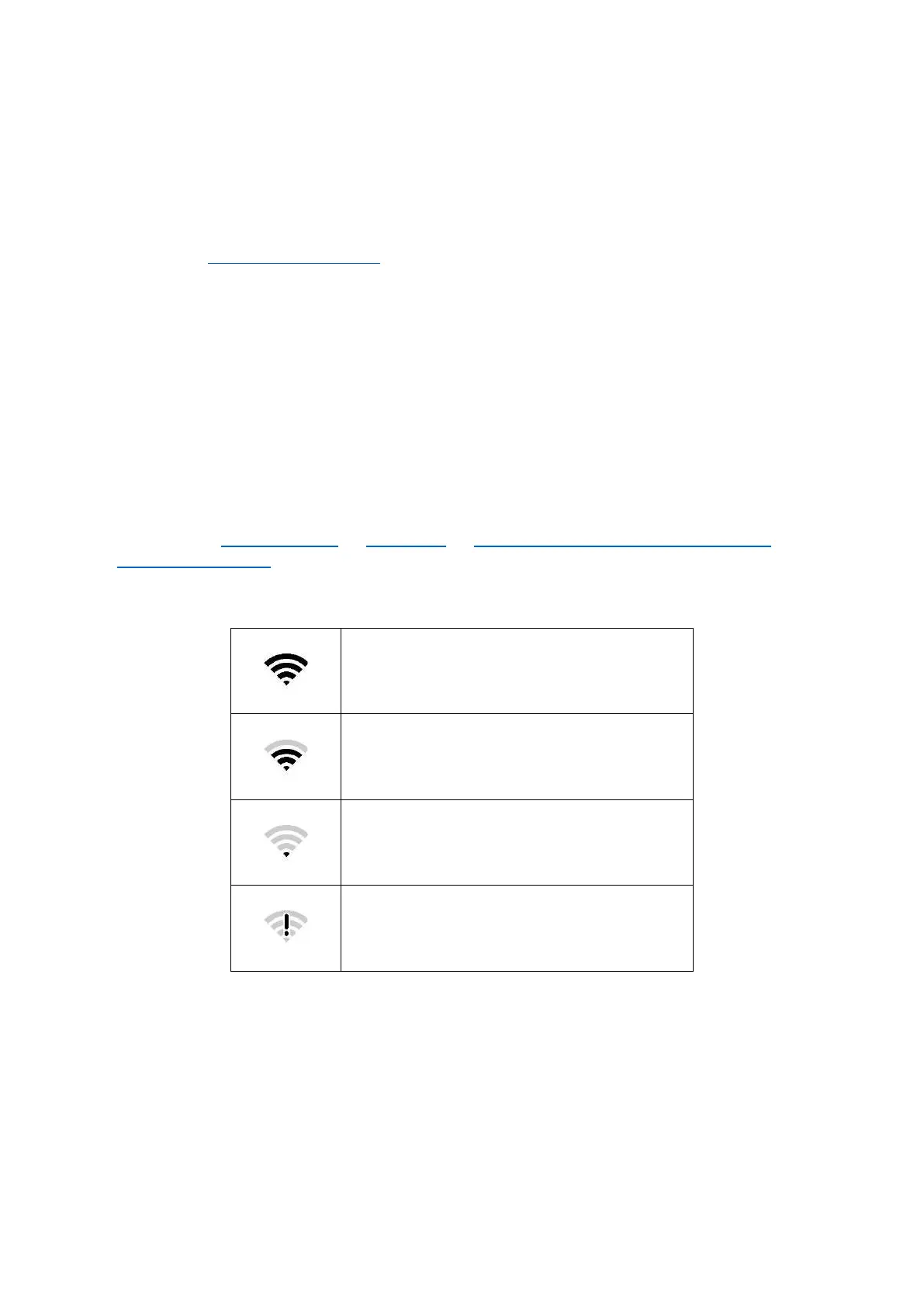
Refer to the following table for FreeFlight 6 USA Wi-Fi statuses and the corresponding icons.



 To Next Page