70
Spot Thermal mode
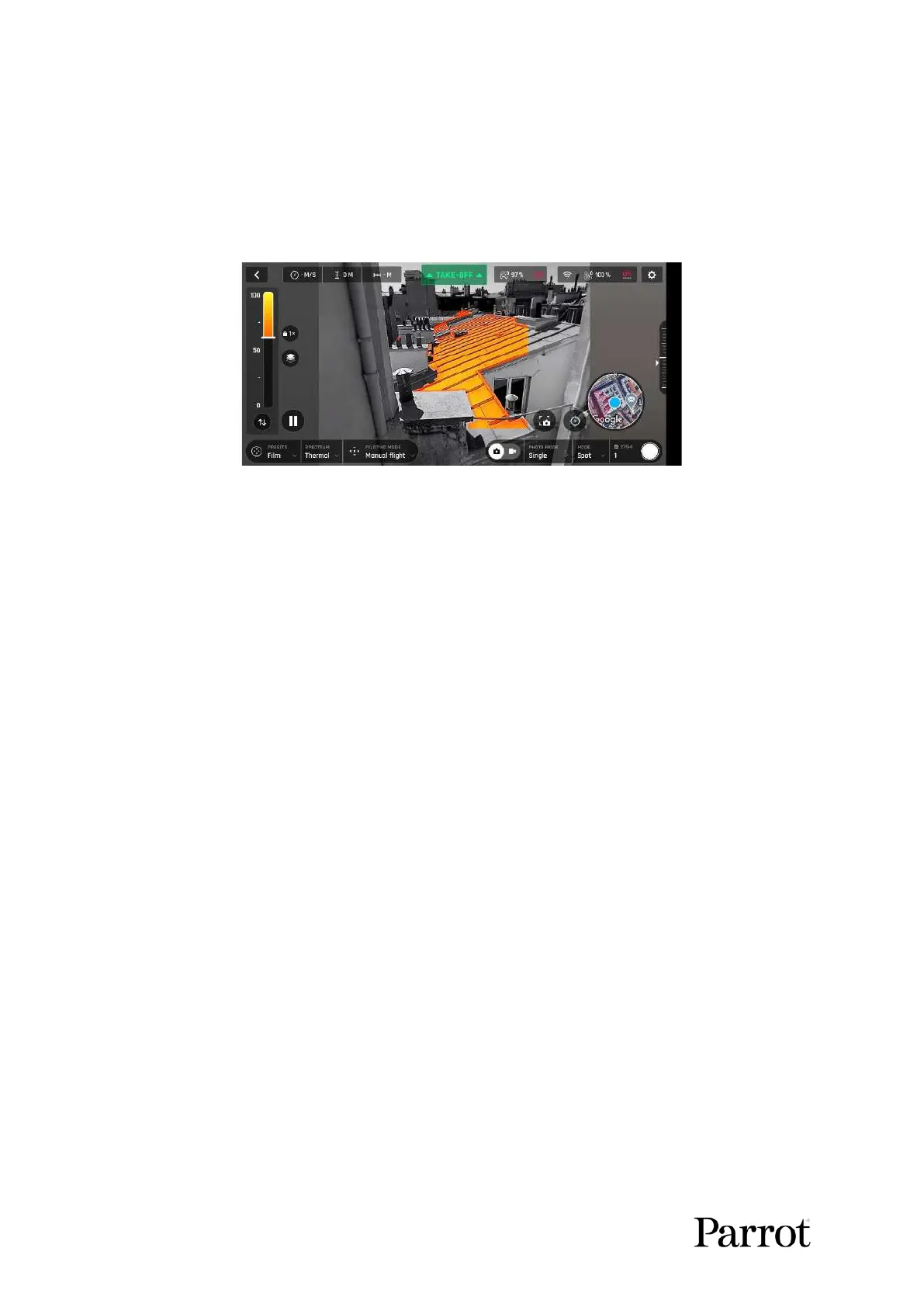
The Spot Thermal mode of ANAFI USA isolates hot or cold.
Use the inverted arrows button (under the scale, on the left of the screen) to toggle from hot to cold
(or from cold to hot) and slide your finger along the scale to adapt the threshold of the scale to your
scene and highlight only the coldest or hottest spots.
Spot Thermal mode: only the hottest elements of the scene are colored.
Note: In Spot Thermal mode, the thresholds you set manually are only reset when you tap the RESET
THERMAL SETTINGS button in the Thermal Preferences tab.



 To Next Page