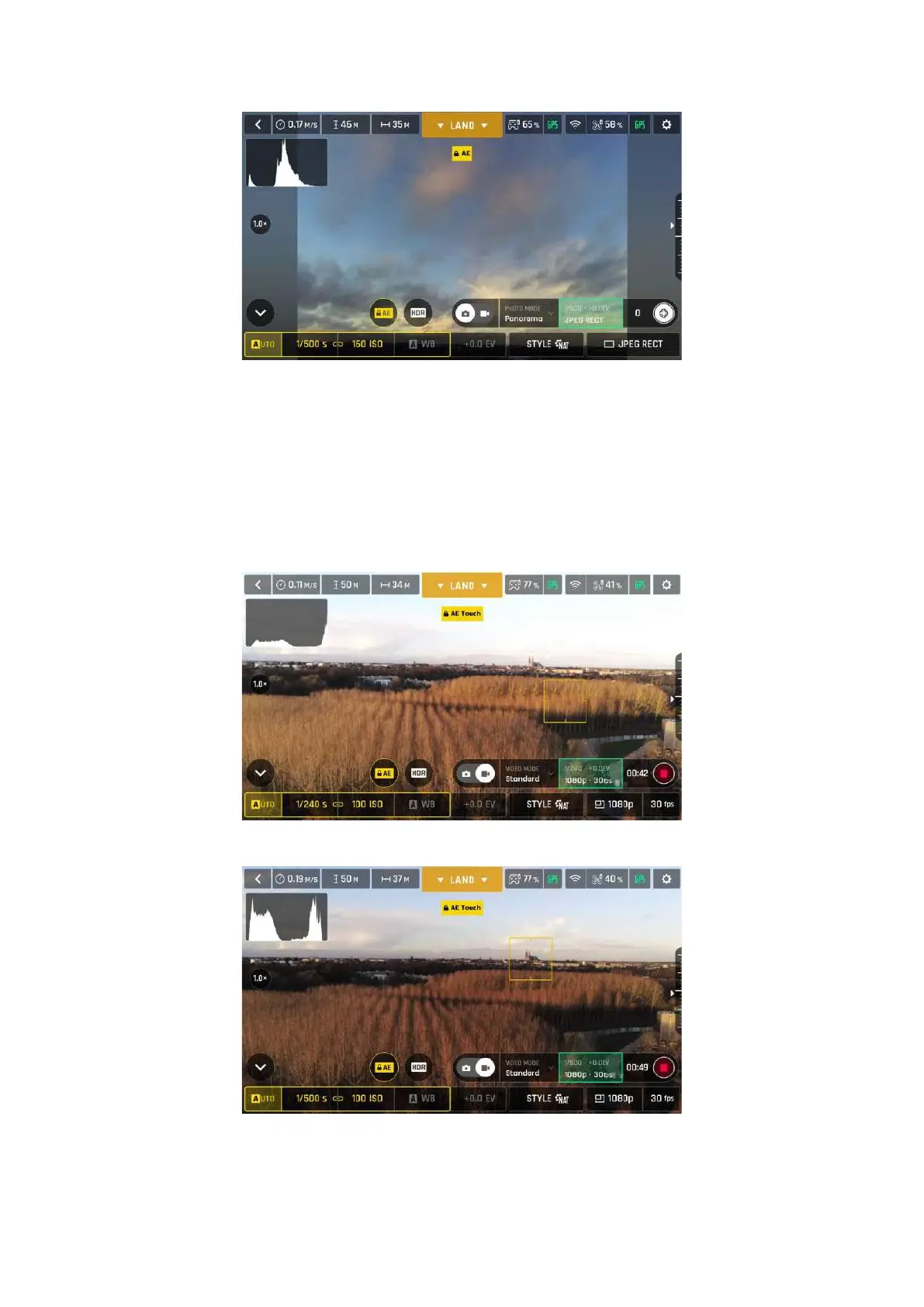
Exposure is locked on the sky (Android)
Lock AE Touch
With the Lock AE Touch (or Spot AE) function of FreeFlight 6 USA, you can also lock the exposure of a
frame on any detail of any view.
To activate this function, follow the Lock AE procedure of the preceding section. When the exposure
is locked, touch the part of the frame you want to base your exposure on. A yellow square animates
around this spot and the yellow Lock AE box is replaced by a yellow Lock AE Touch box.
Exposure is locked on the top of the trees (Android): shutter speed is set at 1/240 s
Exposure is locked on a building on the horizon (Android): shutter speed is set at 1/500 s



 To Next Page