Follow Me
The Follow Me mode enables ANAFI USA pilots to have their drone follow them in action.
Warning: Fly ANAFI USA at least 5 meters (15ft) high and 10 meters (30ft) in front of you, facing you.
A red alert at the bottom of the HUD on FreeFlight 6 USA informs you if you are too close to
ANAFI U SA, or if it is flying too low.
Frame yourself.
Tap the PILOTING MODE box in the bottom bar of the HUD to access the options. Tap Follow Me to
select this piloting mode.
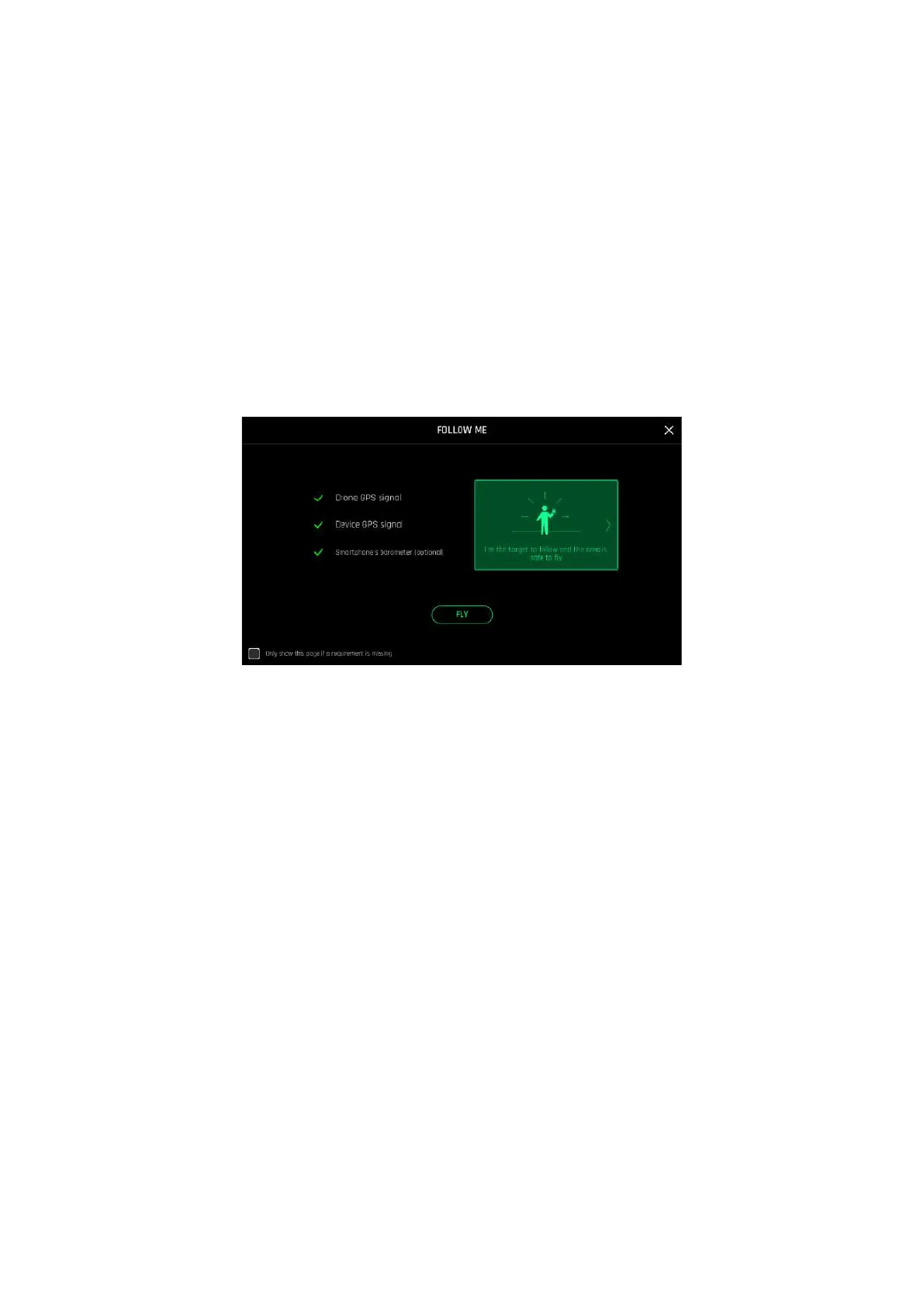
Both a drone GPS synchronization and a controller GPS synchronization are imperative to activate this
mode. Upon first activation, the following screen appears:
iOS, Follow Me GPS warning
Tick the box on the bottom left on the page if you do not want this warning to appear again when no
prerequisite is missing. Tap FLY to access the Follow Me mode.
Select one of the three Follow Me options (refer to in-app explanations for details):
- Track
- Lock
- Dynamic
Note: Parrot recommends you only use the Dynamic option in completely open and unobstructed
areas.
Draw a rectangle with your finger on your screen, around yourself. When ANAFI USA has a lock on
you, the blue rectangle turns to green and the orange LAND box at the center of the top bar of the
HUD turns red and displays STOP.
By default, ANAFI USA keeps you in the center of the frame, but you can drag the green box to the
area of the screen you want to remain at. If you push the right joystick of the Skycontroller to the left,
ANAFI U SA circles around you clockwise. If you push the right joystick of the Skycontroller to the
right, ANAFI USA circles around you counterclockwise.
In the Follow Me mode, ANAFI USA manages the gimbal tilt to keep you in the center of the frame.
Therefore, the left trigger of the Skycontroller is deactivated in this mode. However, you can still



 To Next Page