78
How to prepare your map
This chapter describes how to prepare a map for flight. There are 2 ways to prepare a map:
• Save your future flying area map on FreeFlight 6 USA while connected to the Internet, then
use it offline in the field.
• Import your own custom maps to FreeFlight 6 USA without an internet connection.
Save future flying area maps online for offline use
You can use this tool to prepare a satellite view of your next destination. The satellite view displays
during the flight even if you do not have an internet connection in the field.
1. Ensure that your FreeFlight 6 USA device is connected to the internet.
2. Specific to FreeFlight 6 USA Android: ensure that the map engine interface setting is set on
GOOGLE MAP
3. Tap the Load map tile on the FreeFlight 6 USA home screen.
4. A satellite view screen opens. Scroll to the area that you intend to fly over.
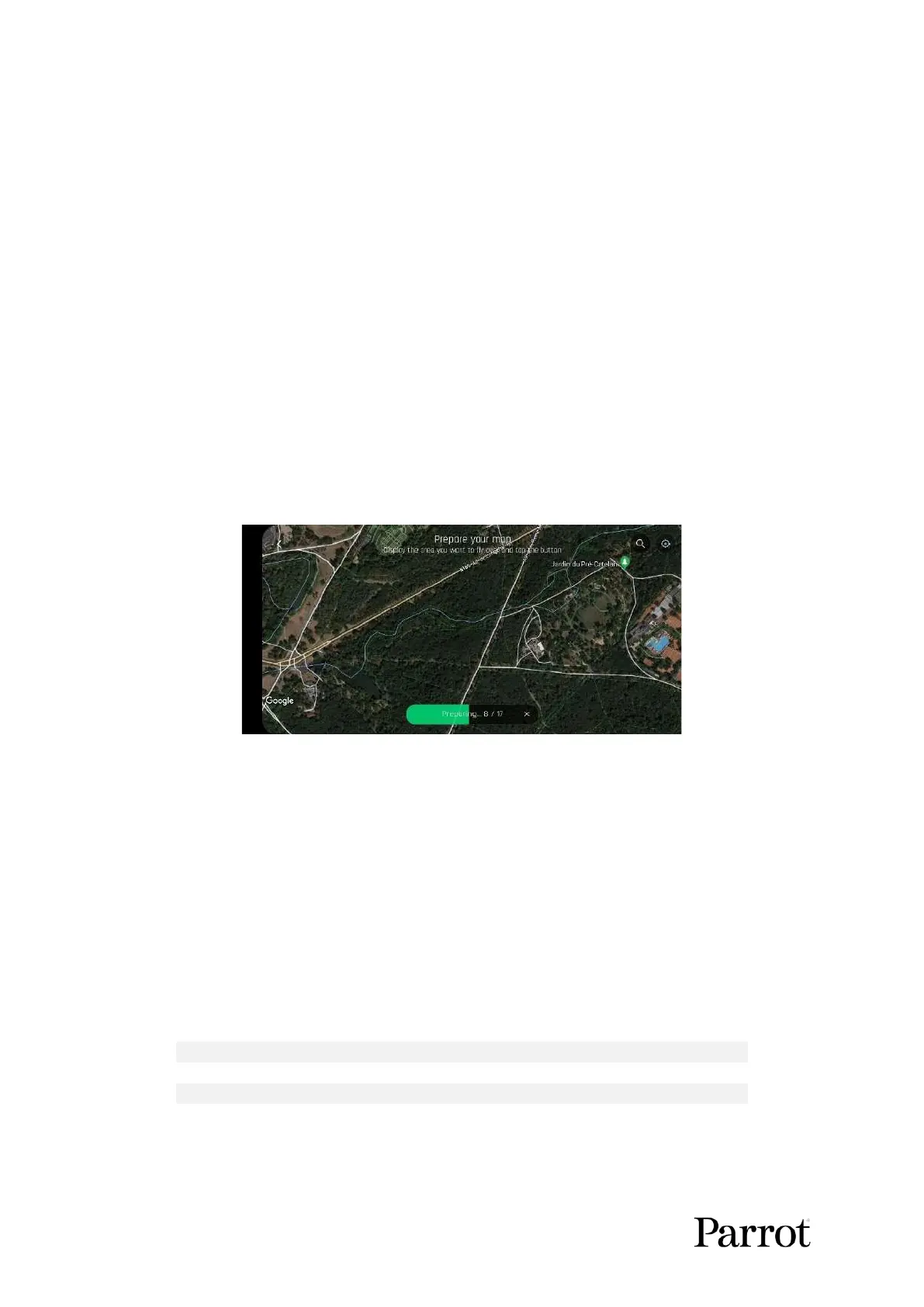
5. Tap Prepare the map.
A green bar appears which displays the progress of your map preparation.
The map of your future mission is then saved to the FreeFlight 6 USA application memory. The map
remains available even when your device is offline.
Import custom maps to FreeFlight 6 USA
You can import your own map files to FreeFlight 6 USA including MBTiles, and PNG maps.
Map engines
FreeFlight 6 USA iOS features 1 option for the map engine.
FreeFlight 6 USA Android features 2 options for the map engine used. Each map engine uses a different
type of map file. You can import offline maps for both engines. You must change the Map Engine in
FreeFlight 6 USA depending on which type of map file you choose:



 To Next Page