64
White balance (WB)
White balance deals with the color temperature of the light. Cold lights make the whites look blue.
Warm lights make the whites look yellow. By default, in Auto WB mode, ANAFI USA keeps the whites
white, at all times: it adapts its WB value in real time.
However, setting a WB value for an entire shot is advised for professional filming. Stable WB facilitates
the grading (color treatment) of videos.
Tap the WB box to open the white balance options.
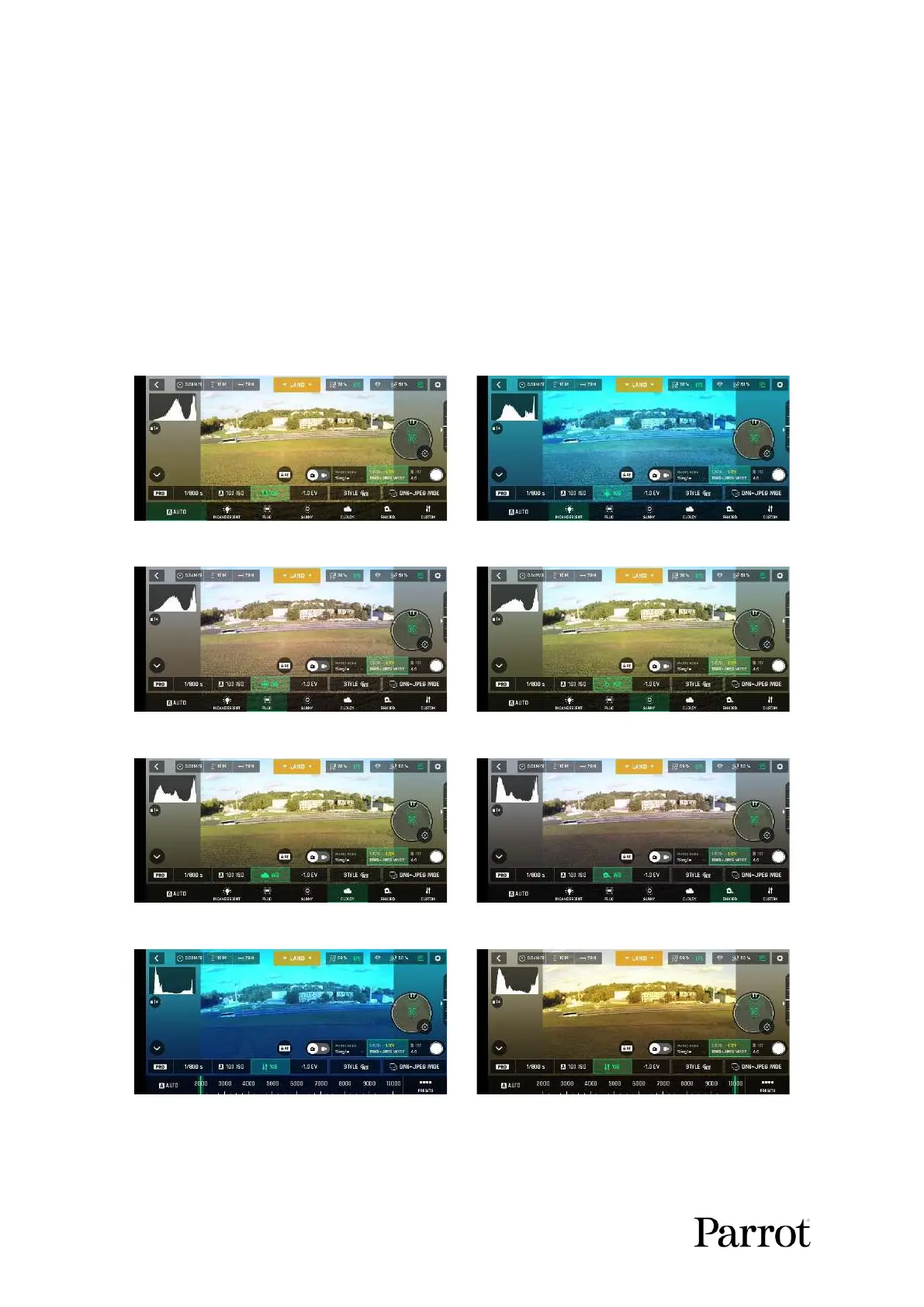
Select the WB option that is best suited for your shooting conditions, your subject, or both. The display
of the HUD reflects your settings and helps you make the best choice.
Auto WB, Android
Incandescent WB, Android
Fluo WB, Android
Sunny WB, Android
Cloudy WB, Android
Shaded WB, Android
WB 2 000 K, Android
WB 10 000 K, Android



 To Next Page