HDR
HDR (high dynamic range) can enhance a video or a photo. The HDR option is available for Standard
video mode 4K, 2.7K and 1080p formats (regardless of framerate values) and JPEG photos.
To activate the HDR option, select a Standard video mode or a JPEG photo format from the relevant
boxes of the bottom bar of the HUD. A white and round HDR icon appears on your screen, to the left
of the photo/video trigger.
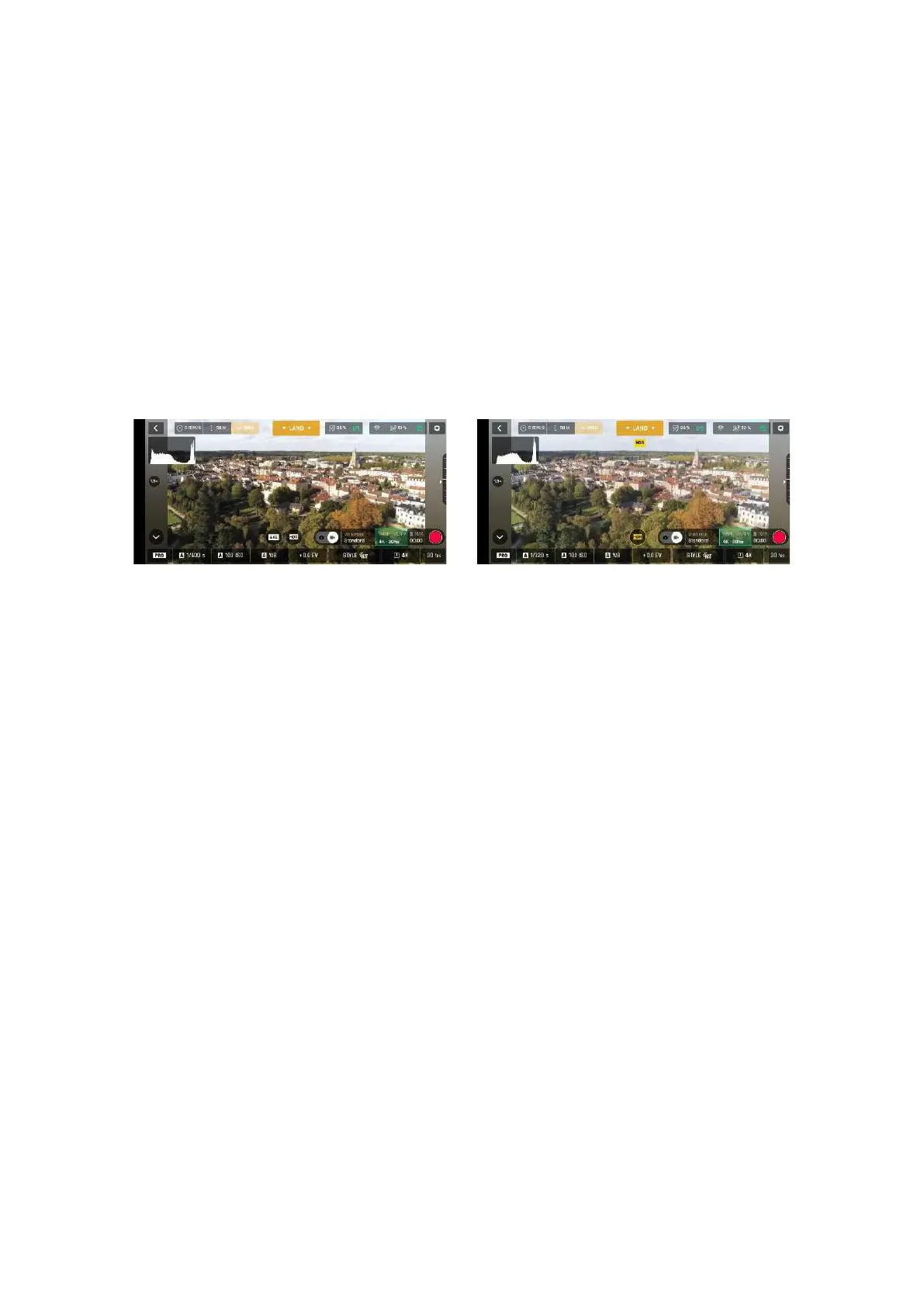
Tap the HDR icon. It turns yellow, and a HDR notice appears in black inside a yellow box, under the
next available action box, at the center of the top bar of the HUD. Press the hard shutter button on
your Skycontroller (or tap the soft shutter button of the HUD) to start filming in HDR or to take a HDR
photo.
Tap the round HDR icon again to deactivate HDR. The yellow HDR box disappears from the screen.
HDR Off, Android
HDR On, Android
Note: You cannot modify s, ISO or WB values when the HDR mode is activated. However, you always
keep control over your EV value. Activating (or deactivating) HDR stops any ongoing video recording.
NATURAL Style
The Natural Style is the default ANAFI USA Style: it respects nature’s colors and tones. Activate the
NATURAL style from the Style box of the Video/Photo settings menu.
P-LOG Style
P-LOG style is an alternative Style to NATURAL style, both in video mode, and photo mode. It makes
images a little less contrasted. P-LOG style is ideal for videos you want to edit and process using
professional grading tools and filters. Activate the P-LOG style from the Style box of the Video/Photo
settings menu.
INTENSE Style
Intense style is second alternative Style to NATURAL style both in the video mode, and in the photo
mode. It makes images more saturated and contrasted. Activate the INTENSE style from the Style box
of the Video/Photo settings menu.
PASTEL Style
Pastel style is third alternative Style to NATURAL style both in the video mode, and in the photo mode.
It makes images less saturated, but it brings out their warmest tones. Activate the Pastel style from
the Style box of the Video/Photo settings menu.
ADJUSTMENT
The ADJUSTMENT button, next to the P-LOG box, provides three additional settings for your Normal
style still images and films:



 To Next Page