There are two ways to change this custom point.
- Paste the coordinates you copied from the map of FreeFlight 6 USA – refer to the earlier
section of this guide.
- If you set up your drone for a flight, apply the following simple procedure to move the Home
icon directly on the map of FreeFlight 6 USA.
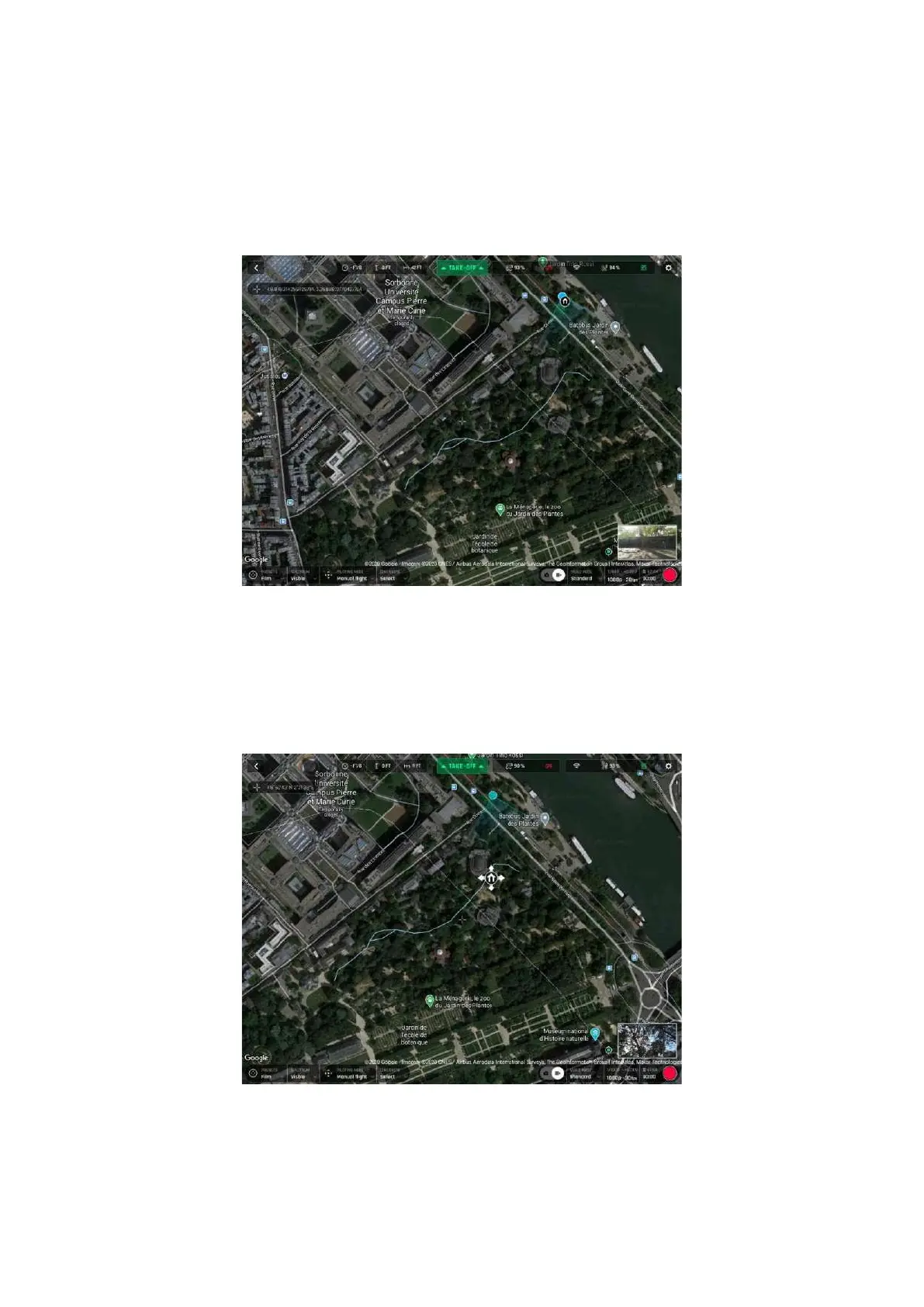
Initial home, at flight setup (Android tablet)
The Home icon appears close to the drone icon, or exactly over the drone icon if the 1
st
GPS fix at
power up was excellent, like in our example. The blue dot shows the position of the controller which
is typically the pilot.
Tap the Home icon to activate it, then drag and drop it to your desired RTH point.
Home icon activated, ready to be dragged and dropped (Android tablet)
In our example, we set up for a flight at a corner of a park, and planned an RTH over an open area,
close to the center of the same park.



 To Next Page