105
Shooting Functions
4
2
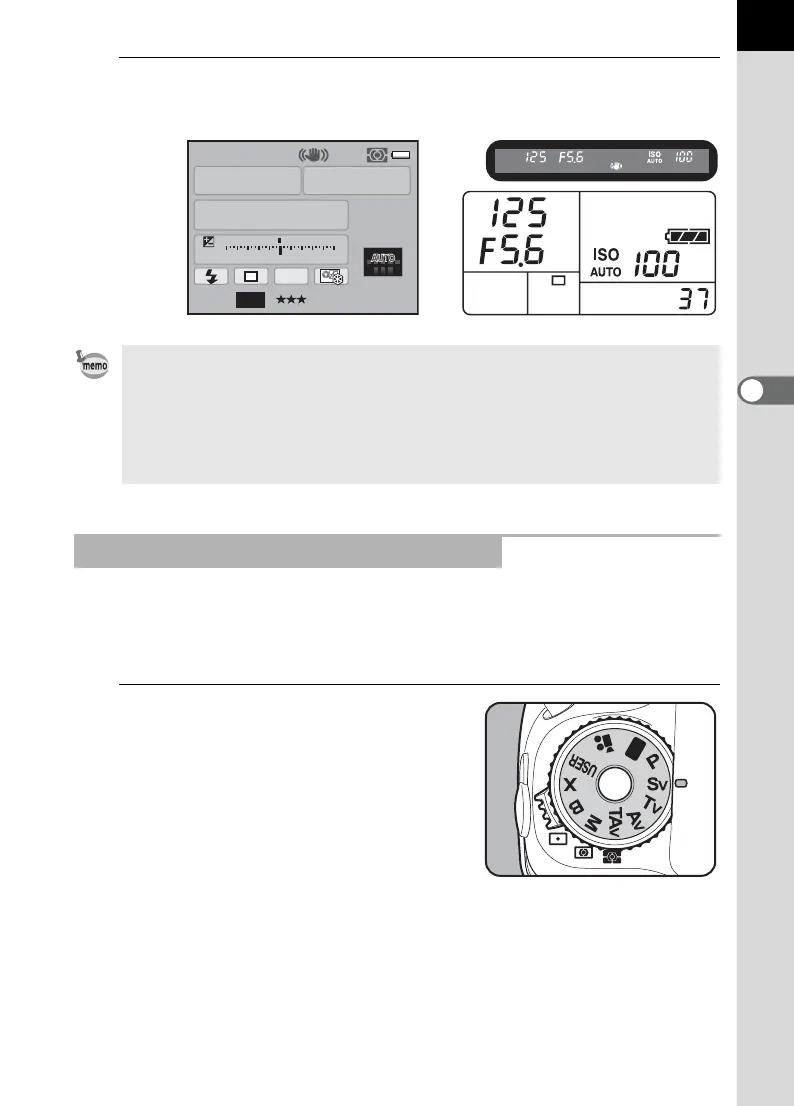
Confirm the shutter speed and aperture value.
Confirm the settings using the status screen, viewfinder or LCD panel.
You can set the sensitivity to suit the brightness of the subject.
The shutter speed and aperture value are automatically set according to
the selected sensitivity to obtain a proper exposure.
1
Set the mode dial to K.
• Set the Program Line to use in [Program Line] of the [A Rec. Mode 3] menu.
(p.102)
• Turn the rear e-dial (S) while pressing the m button to change the EV
compensation value. (p.119)
• The proper exposure may not be obtained with the selected shutter speed
and aperture value when the sensitivity is not set to [AUTO] (p.95).
Using the K (Sensitivity Priority) Mode
AF.S
1/
ISO
AUTO
125
100
5.6
F
11223344+5
-
5
AWB
JPEG
16M
[
37
]
P
11



 To Next Page