177
Shooting Functions
4
Recorded movies can be played back in Playback mode in the same
manner as saved images.
1
Press the Q button.
The camera switches to Playback mode.
2
Use the four-way controller (45) to choose a movie to
play back.
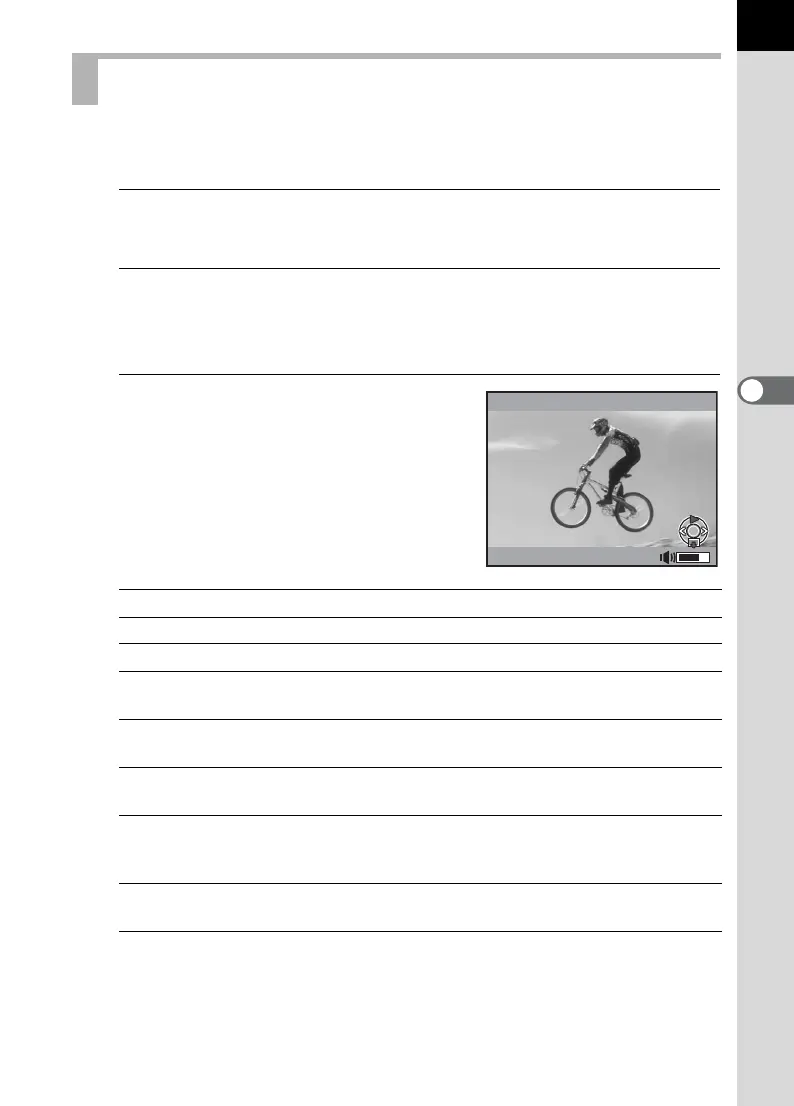
The first frame of the movie is displayed on the monitor.
3
Press the four-way controller
(2).
Movie playback starts.
Available operations
When the movie ends, playback stops and the first frame is displayed again.
Playing Back Movies
Four-way controller (2) Pauses/Resumes playback.
Rear e-dial (S) Volume control (6 levels)
Four-way controller (5) Forwards a frame (during pause).
Press and hold four-way
controller (5)
Fast-forwards playback while pressed.
Four-way controller (4) Reverses playback./
Reverses a frame (during pause).
Press and hold four-way
controller (4)
Fast-reverses playback while pressed.
Four-way controller (3) Stops playback./
Displays the playback mode palette (when
stopped). (p.234)
L button Saves the displayed image in JPEG format
(during pause).
Movie 10
min
00
sec
100-0001



 To Next Page
 Loading...











