143
Shooting Functions
4
This camera has the following two types of self-timers.
1
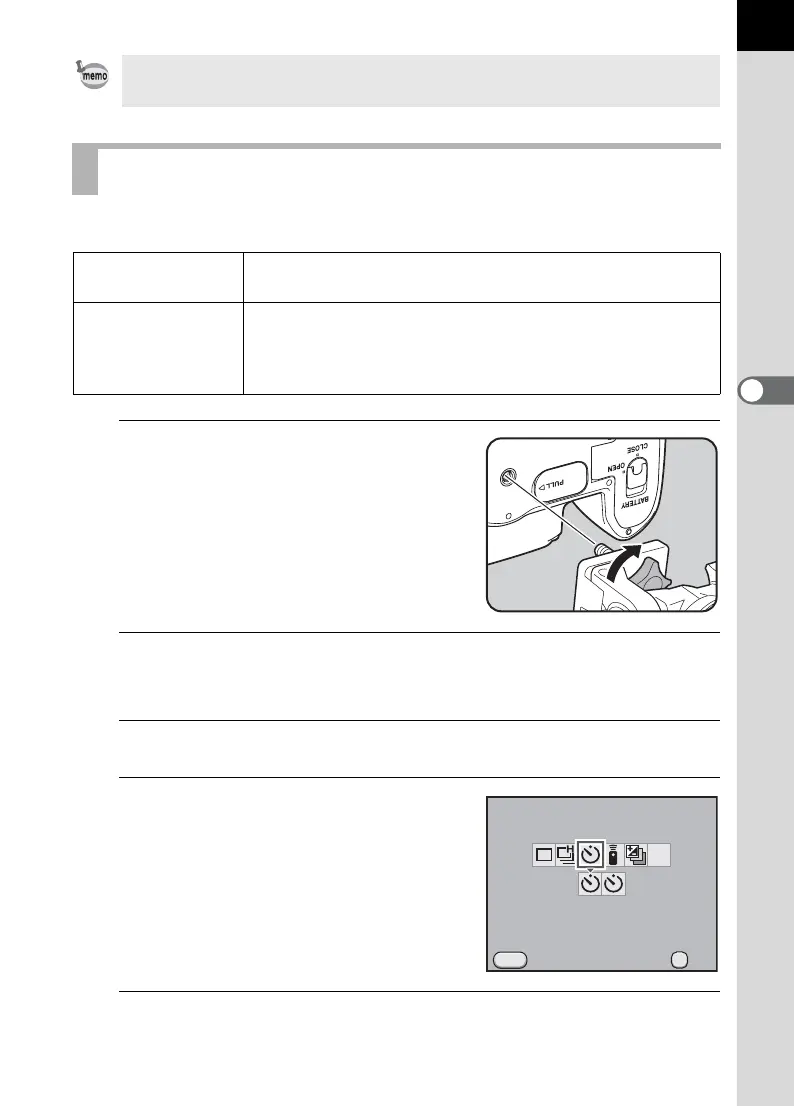
Mount the camera onto a tripod.
2
Press the four-way controller (2) in Capture mode.
The [Drive Mode] screen appears.
3
Use the four-way controller (45) to select g.
4
Press the four-way controller (3)
and use the four-way controller
(45) to select g or Z.
5
Press the 4 button.
The camera is ready to take a picture.
To change the focal length setting, use [Input Focal Length] in the [A Rec.
Mode 4] menu (p.90).
Shooting with Self-timer
g
Self-timer
(12 sec.)
Shutter is released after about 12 seconds. Use this mode
to include the photographer in the picture.
Z
Self-timer
(2 sec.)
A mirror pops up immediately after the shutter release
button is pressed. The shutter is released after about 2
seconds. Use this mode to avoid camera shake when the
shutter release button is pressed.
MENU
2s
MUP
OK
OK
Drive Mode
Self-timer (12 sec.)
Cancel



 To Next Page