288
9
Changing Additional Settings
Setting the Beep, Date and Time, and
Display Language
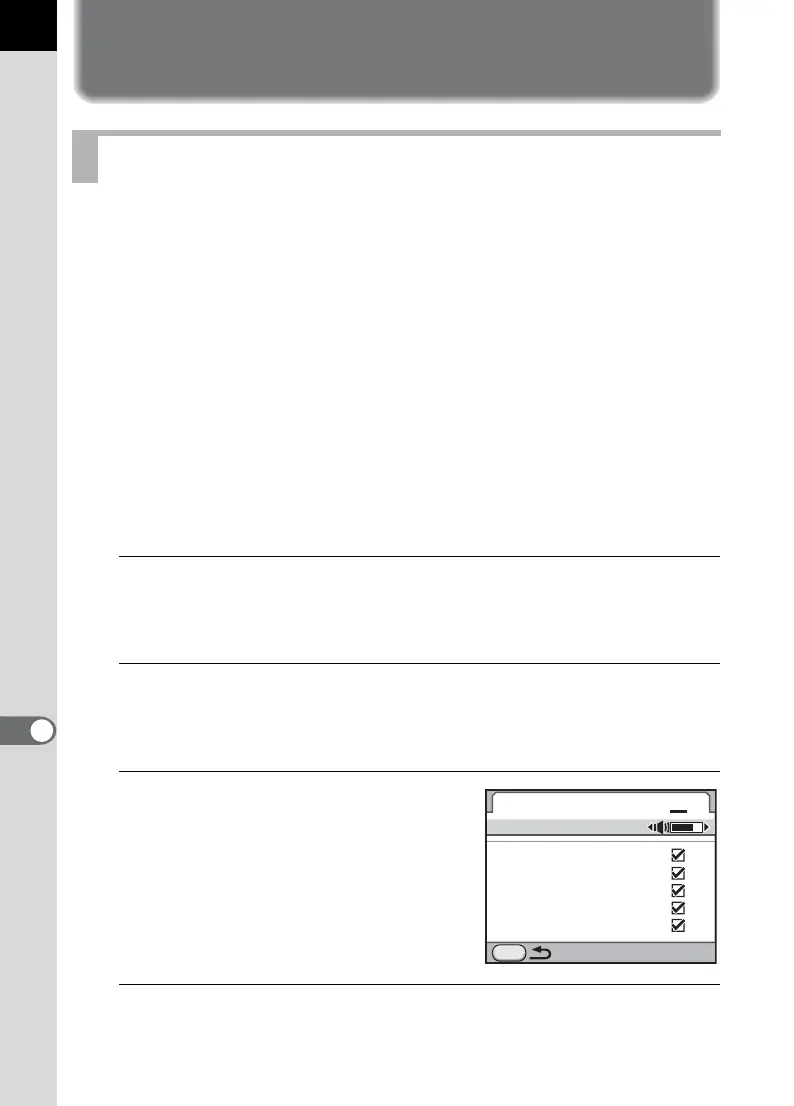
You can turn the camera operation beep on or off, or change its volume.
By default, all available items are set to O (On), and the volume level is
set to [3].
The following items can be set.
•In-focus
• AE-L (AE Lock operation sound)
•Self-timer
• Remote Control
• Mirror Up
• One Push File Format (operation sound when [One Push File Format]
is assigned to the |/Y button)
• Press OK for 1 sec. (operation sound when Change AF point is
enabled or disabled)
1
Select [Beep] in the [R Set-up 1] menu and press the four-
way controller (5).
The [Beep 1] screen appears.
2
Press the four-way controller (3) and use the four-way
controller (45) to adjust the volume.
Select from six levels. When set to 0, you can turn all the beeps off.
3
Use the four-way controller
(23) to choose an item.
Turn the rear e-dial (S) to display the
[Beep 2] screen.
4
Use the four-way controller (45) to select O or P.
Setting the Beep
Beep
Volume
In-focus
AE-L
Self-timer
Remote Control
Mirror Up
MENU
1 2



 To Next Page