240
Playback Functions
7
2
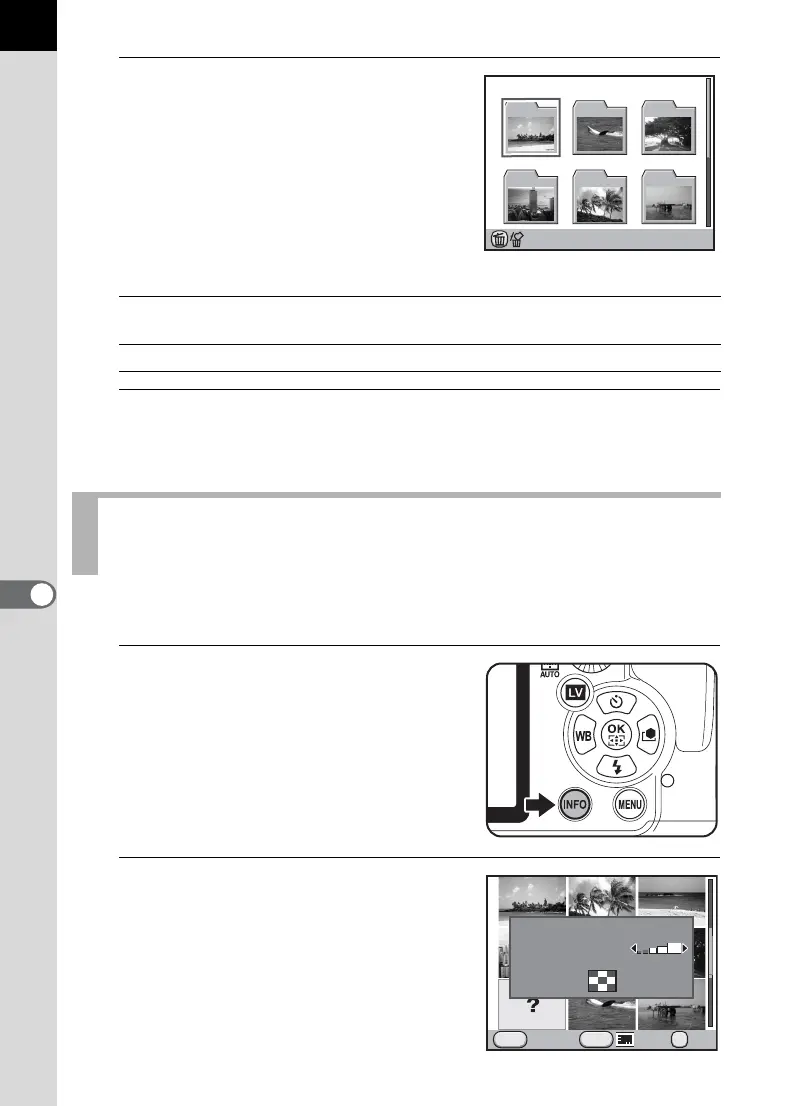
Select the folder you want to
display.
The number of images saved in the
selected folder appears at the top right of
the screen.
Available operations
3
Press the 4 button.
The multi-image display screen for the selected folder appears.
Images will be grouped and displayed by the shooting date.
1
In the multi-image display
screen, press the M button.
The [Multi-img Display Setting] screen
appears.
2
Press the M button again.
Four-way controller
(
2345)
Moves the selection frame.
i button
Deletes the selected folder and all the images in it. (p.252)
Displaying Images by the Shooting Date
(Calendar Display)
100
_
0105
12345
100 101 102
103 104 105
INFO
Cancel
MENU
OK
OK
Display Type
Multi-img Display Setting



 To Next Page