95
Shooting Functions
4
You can set the sensitivity to suit the brightness of the surroundings.
The sensitivity can be set to [AUTO] or within a sensitivity range equivalent
to ISO 100 to 12800. The default setting is [AUTO].
1
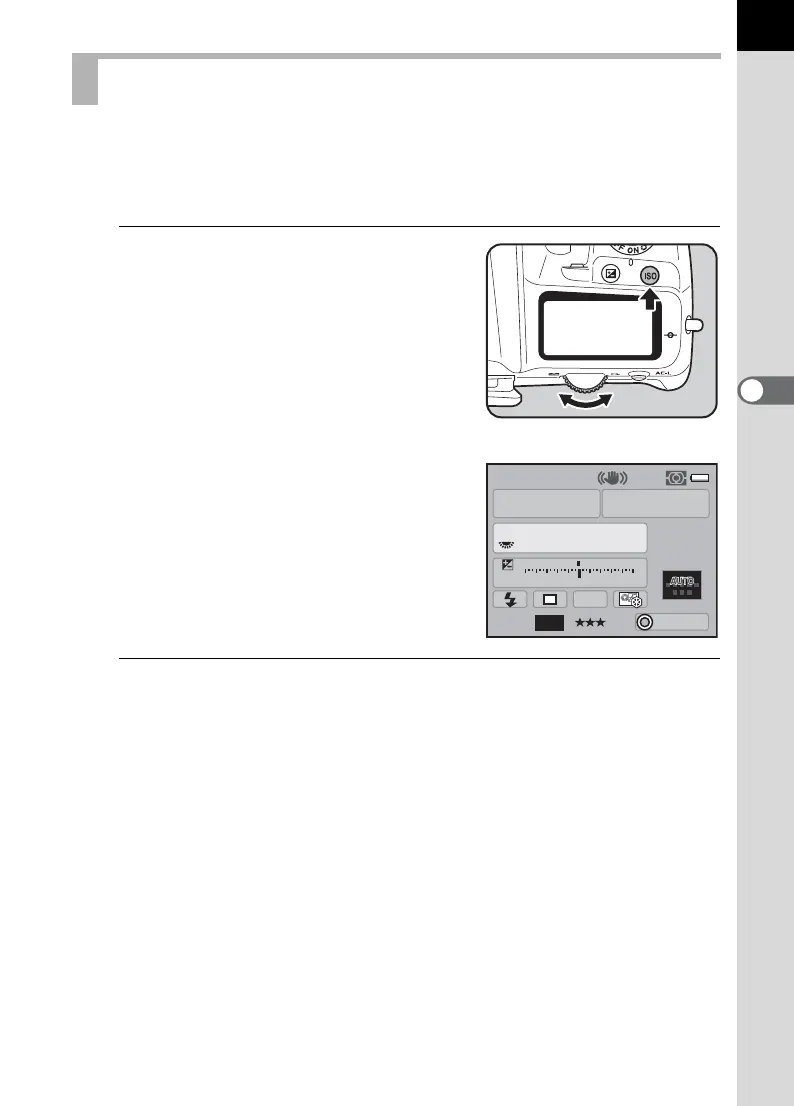
Turn the rear e-dial (S) while
pressing the o button in
Capture mode.
The sensitivity displayed on the status
screen and LCD panel and in the
viewfinder changes.
Press the | button to set the sensitivity to
[AUTO].
2
Take your finger off the o button and rear e-dial (S ).
The sensitivity is set.
Setting the Sensitivity
AF.S
1/
ISO
AUTO
200
200
5.0
F
11223344+5
-
5
AWB
JPEG
ISO
AUTO
16M
P
11



 To Next Page