296
Changing Additional Settings
9
You can set the Instant Review display settings.
1
Select [Instant Review] in the [A Rec. Mode 5] menu and
press the four-way controller (5).
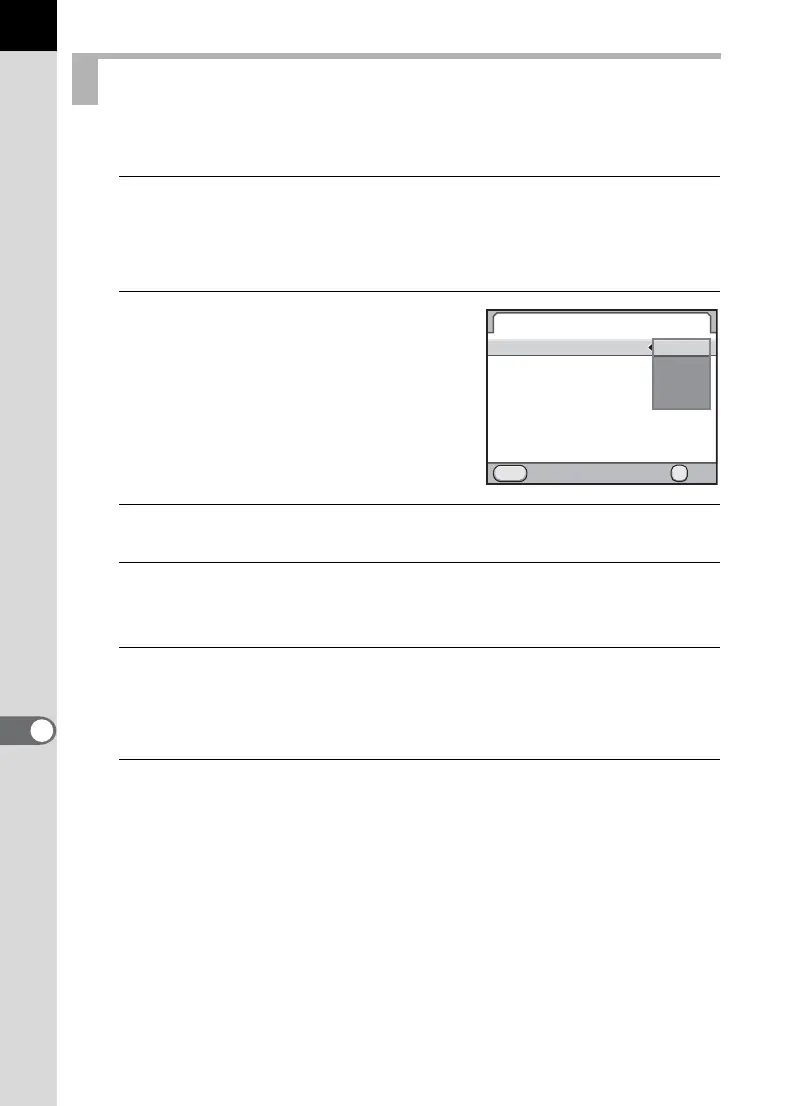
The [Instant Review] screen appears.
2
Press the four-way controller (5)
and use the four-way controller
(23) to select a display time.
3
Press the 4 button.
4
Use the four-way controller (23) to select [Histogram],
[Bright/Dark Area] or [Enlarge Instant Review].
5
Use the four-way controller (45) to select O or P.
When [Enlarge Instant Review] is set to O (default setting), you can
magnify the image with the rear e-dial (S). (p.237)
6
Press the 3 button twice.
The screen that was displayed before selecting the menu appears again.
Setting the Display for Instant Review
Instant Review
MENU
Display Time
Histogram
Bright/Dark Area
Enlarge Instant Review
Cancel OK
OK
1sec.
3sec.
5sec.
Off



 To Next Page