323
Connecting to a Computer
10
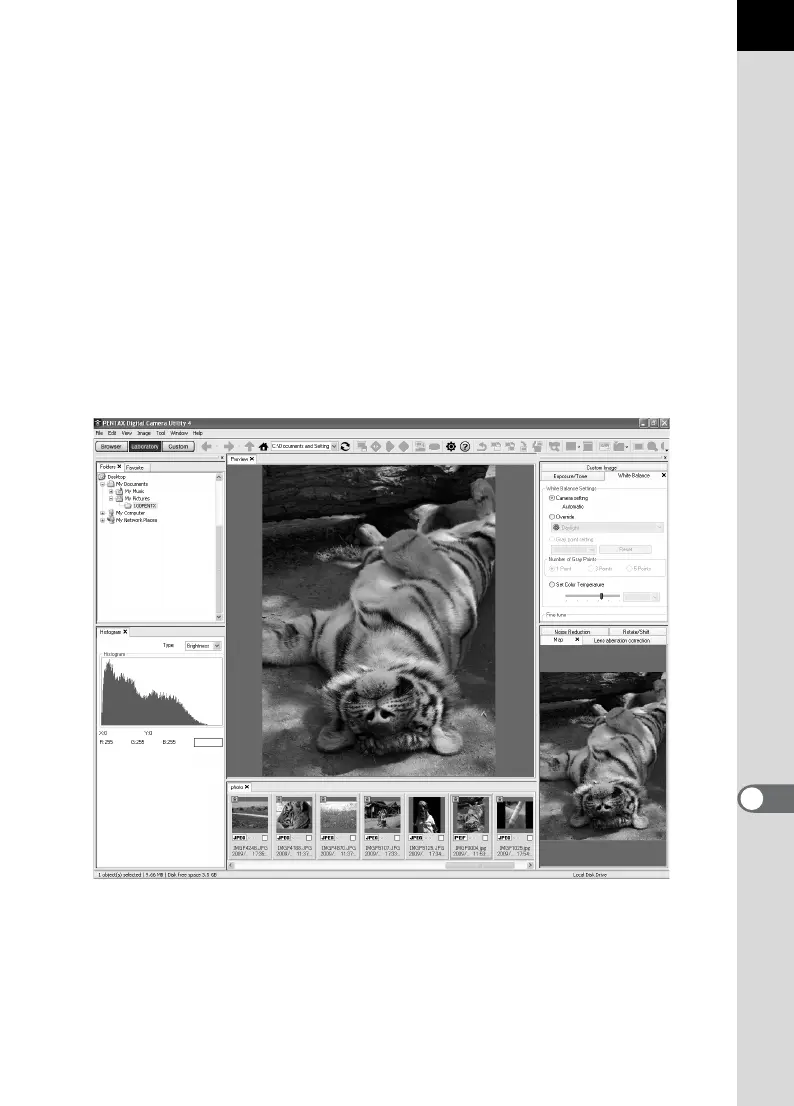
3Control Panel
Shooting information and settings of the selected image appear in this
panel. The set of tab pages displayed in Control Panel can be changed
by pressing the Browser, Laboratory and Custom buttons on the Tool
bar.
4File Display Pane
The file list and the images in the selected folder appear here.
5Status Bar
Information on the selected item appears.
Laboratory tab set (default setting)
The control panel for adjusting the image appears here.



 To Next Page