89
Shooting Functions
4
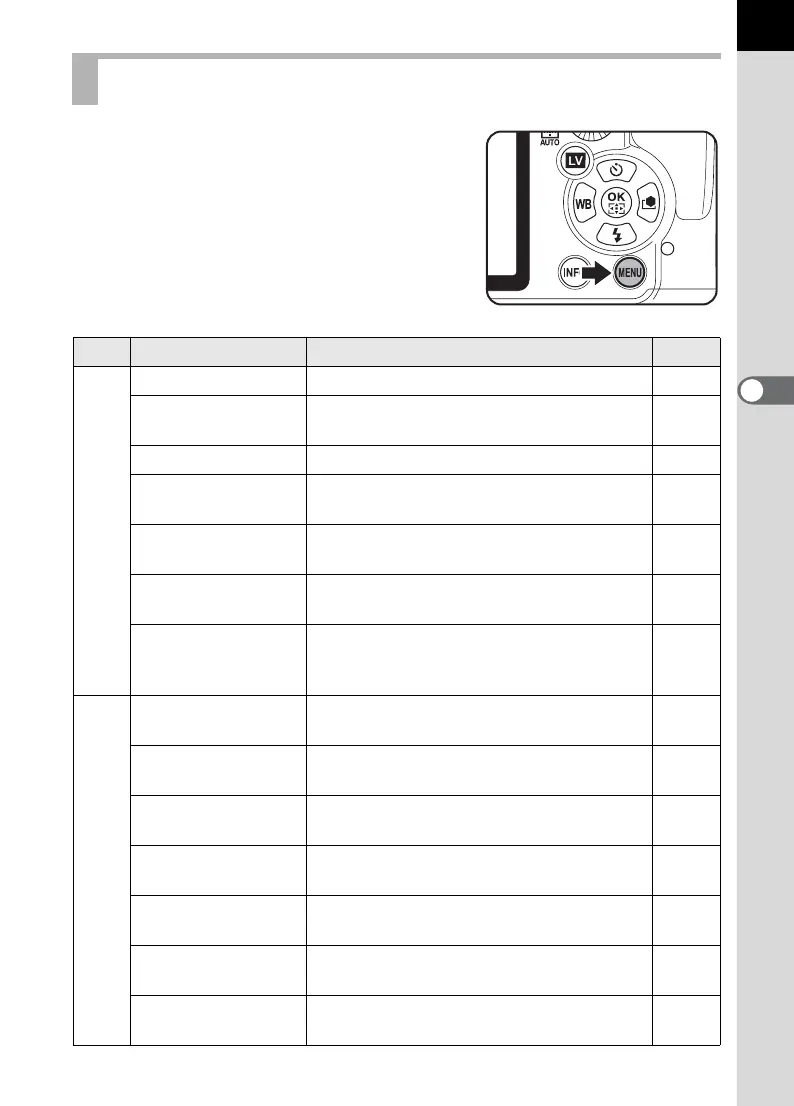
The following settings can be performed in
the [A Rec. Mode 1-5] menus.
Press the 3 button in Capture mode to
display the [A Rec. Mode 1] menu.
Rec. Mode Menu Setting Items
Menu
Item Function Page
A1
USER Mode
*1
Sets the settings for A mode. p.230
Exposure Mode
*1
Sets the exposure mode when the mode
dial is set to A.
p.230
File Format
*2
Sets the file format. p.202
JPEG Recorded
Pixels
*2
Sets the recording size of images saved in
JPEG format.
p.200
JPEG Quality
*2
Sets the quality of images saved in JPEG
format.
p.201
AUTO AF Point
Setting
*2
Sets the number of AF points when the
focusing area is set to S (AUTO).
p.127
Lens Correction
*2
Corrects distortions and chromatic
aberrations occurring due to lens
properties.
p.218
A2
Cross Processing
*2
Changes the hues and contrast by
performing digital cross processing.
p.225
Extended
Bracketing
*2
Sets the Extended Bracketing shooting
settings.
p.160
Digital Filter
*2
Applies a digital filter effect when taking
pictures.
p.162
HDR Capture
*2
Enables capturing images at high dynamic
range.
p.215
Multi-exposure
Creates a composite picture by taking
multiple frames.
p.155
Interval Shooting
Takes pictures at a set interval from a set
time.
p.152
Composition Adjust.
Adjusts the composition of your image
using the Shake Reduction mechanism.
p.220



 To Next Page