112
Shooting Functions
4
You can set the shutter speed and aperture value. This mode is suitable
to take pictures of your choice by combining them. This mode is
convenient for taking pictures using the same combination of the shutter
speed and aperture settings or taking intentionally underexposed (darker)
or overexposed (brighter) photographs.
1 Effect of Aperture and Shutter Speed (p.93)
1
Set the mode dial to a.
2
Press the | button.
The shutter speed and aperture value are
automatically switched to obtain a proper
exposure.
Using the a (Hyper-manual) Mode
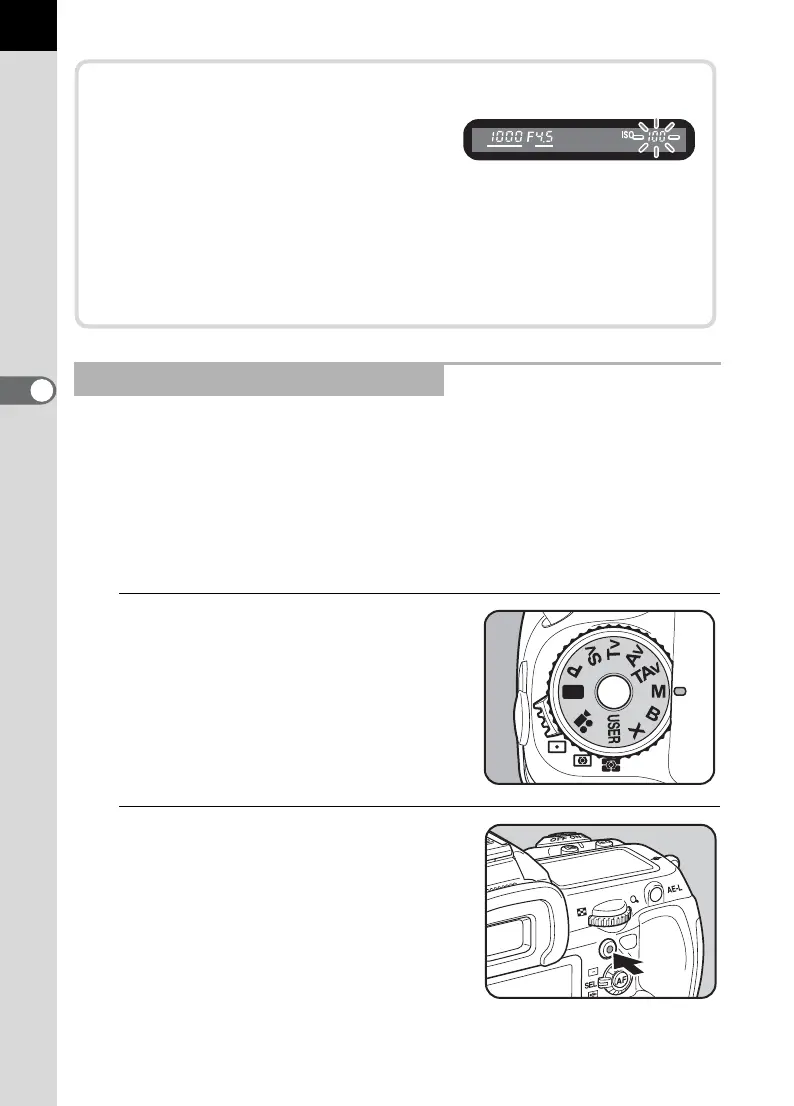
Exposure Warning
If the subject is too bright or too dark,
the sensitivity will blink on the status
screen and LCD panel and in the
viewfinder. In such situations, change the shutter speed and
aperture. When the indication stops blinking, you can take a picture
with proper exposure.
Use a commercially available ND (Neutral Density) Filter if the subject
is too bright. Use a flash if it is too dark.



 To Next Page