128
Shooting Functions
4
1
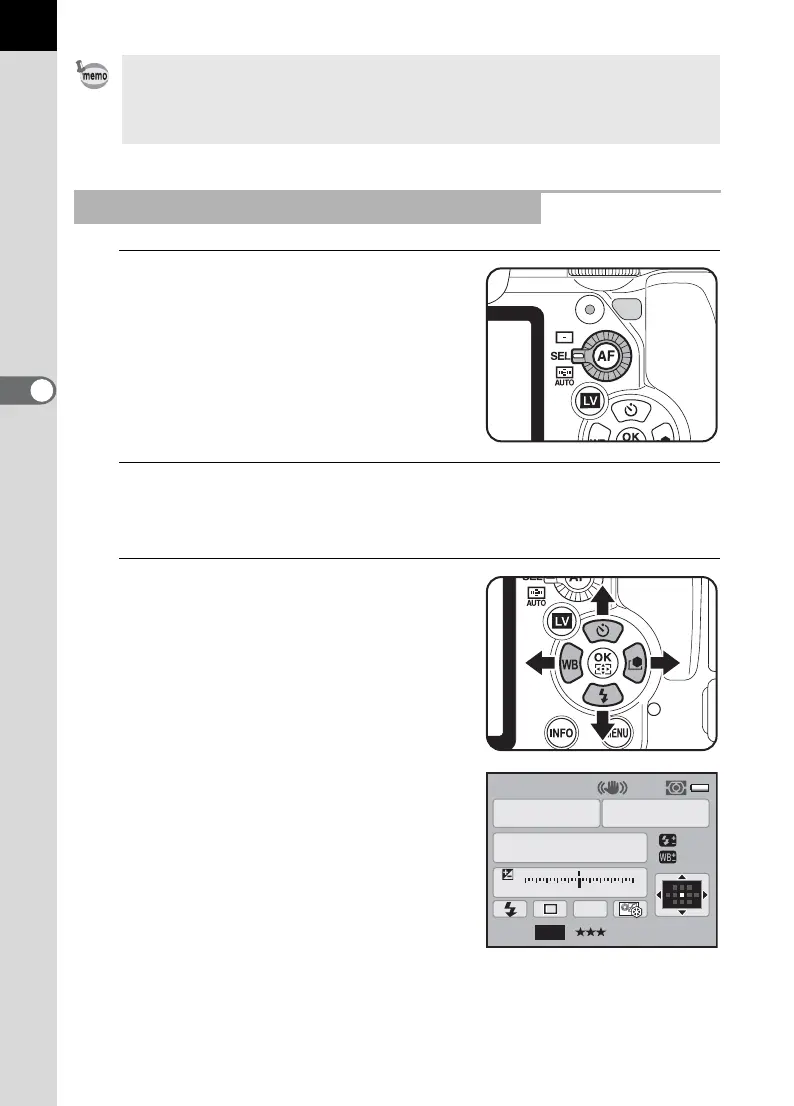
Set the AF point switching dial to
j.
V appears in the viewfinder and the AF
point can be changed.
2
Look through the viewfinder and check the position of the
subject.
3
Use the four-way controller
(2345) to change the AF
point.
The selected AF point appears in the
status screen.
• AF point(s) are not illuminated red in the viewfinder when [Off] is selected for
[14. Superimpose AF Area] in the [A Custom Setting 2] menu (p.91).
• The focusing area is fixed to U regardless of this setting when using lenses
other than DA, DA L, D FA, FA J, FA or F lens. (p.337)
Setting the Focus Position in the Viewfinder
P
AF.S
1/
ISO
AUTO
2000 2.8
±0.0
±0±0
F
11223344+5
-
5
AWB
16M
[
37
]
1600
JPEG



 To Next Page