164
Shooting Functions
4
2
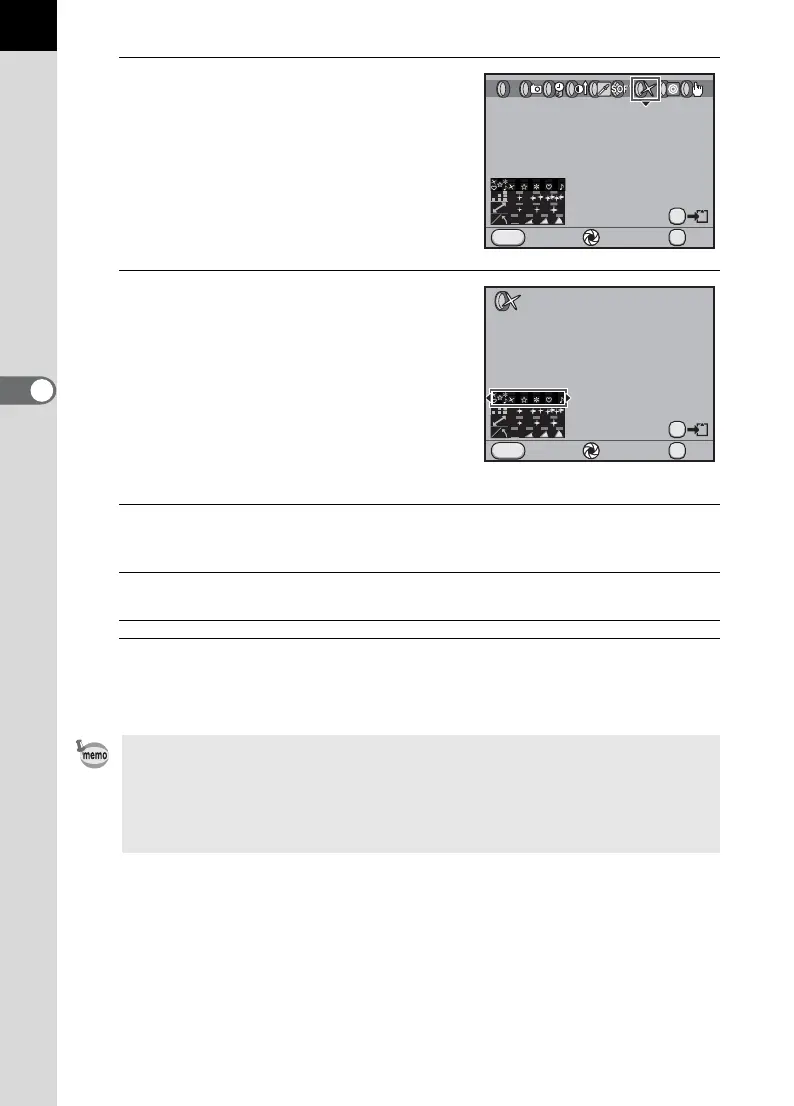
Use the four-way controller
(45) to select a filter.
3
Use the four-way controller
(23) to select the parameter and
the four-way controller (45) to
adjust the parameter’s value.
Available operations
4
Press the 4 button.
The camera is ready to take a picture.
Main switch (|) Uses Digital Preview to preview the background
image with the filter effect applied. (Not available
when the exposure mode is set to C (Movie).)
L button Saves the background image. Select [Save as] and
press the 4 button.
• When the exposure mode is set to C (Movie), change the settings from
[Movie] in the [A Rec. Mode 4] menu. (p.171)
• Select [Not use any filters] in Step 2 to finish shooting with digital filter.
• You can also apply digital filter after shooting them to JPEG/RAW images in
Playback mode. (p.265)
Starburst
Cancel Check OK
OK
MENU
AE.L
OFF
Shape
Cancel Check OK
OK
MENU
AE.L



 To Next Page