172
Shooting Functions
4
5
Use the four-way controller (23) to select [Sound] and
press the four-way controller (5).
6
Use the four-way controller (23) to select g or Z and
press the 4 button.
7
Set Cross Processing and Digital Filter as necessary.
Refer to p.225 for details on Cross Processing and p.162 for Digital Filter.
8
Use the four-way controller (23) to select [Movie
Aperture Control] and press the four-way controller (5).
9
Use the four-way controller (23) to select the [Fixed] or
[Auto] and press the 4 button.
10
Use the four-way controller (23) to select [Shake
Reduction] and press the 5 button.
11
Use the four-way controller (23) to select k or l
and press the 4 button.
12
Press the 3 button twice.
The camera is ready to record a movie.
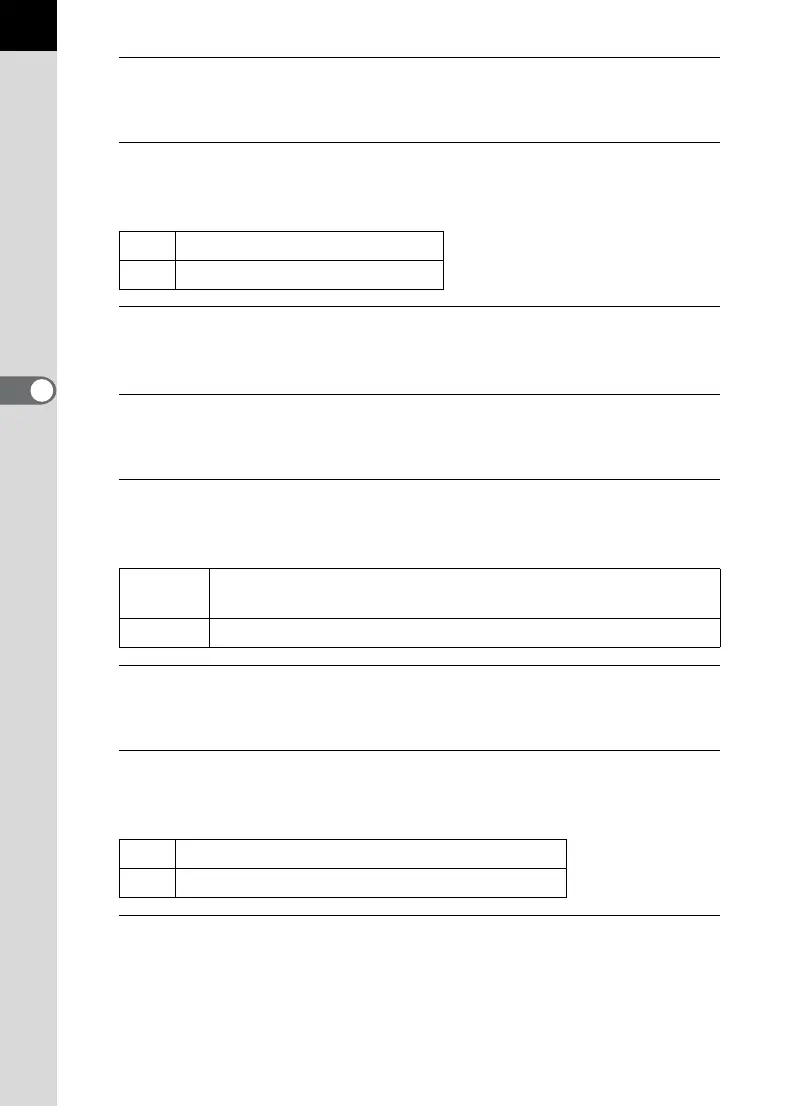
g
Records sound. (default setting)
Z
Does not record sound.
Fixed
The movie is recorded at the aperture value set before movie
recording starts. (default setting)
Auto The aperture is controlled automatically.
k
Uses Shake Reduction.
l
Does not use Shake Reduction. (default setting)



 To Next Page