28
Before Using Your Camera
1
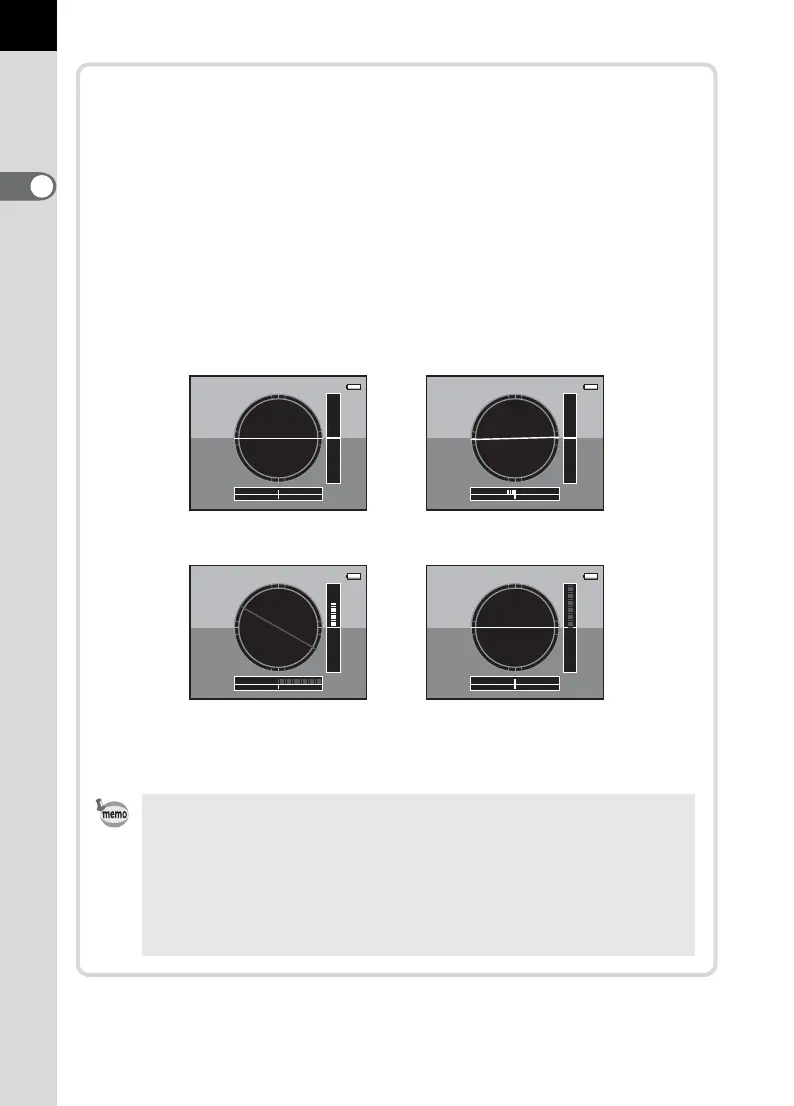
Electronic level display
This camera is equipped with an electronic level for detecting whether
the camera is level. When [Electronic Level] is set to O (On), press
the M button while the control panel is displayed to view the
electronic level. When [Electronic Level] is assigned to the |/Y
button, press the |/Y button to switch the display on/off.
A bar graph indicating the horizontal camera angle appears at the
bottom of the screen, and a bar graph indicating the vertical camera
angle appears on the right side.
Example:
• [Electronic Level] is P (Off) by default. Set in the [A Rec. Mode 4]
menu. (p.299)
• Refer to p.285 for assigning a function to the |/Y button.
• The electronic level display will disappear if no operations are made
within 1 minute.
• If the camera angle cannot be detected, both ends and the center of
the bar graphs flash red.
Horizontally and vertically
level (green)
Tilted 1.5° to the left (yellow)
Vertically level (green)
Outside horizontal level
display (red)
Tilted 5° up (yellow)
Horizontally level (green)
Outside vertical level
display (red)



 To Next Page