342
Appendix
11
2
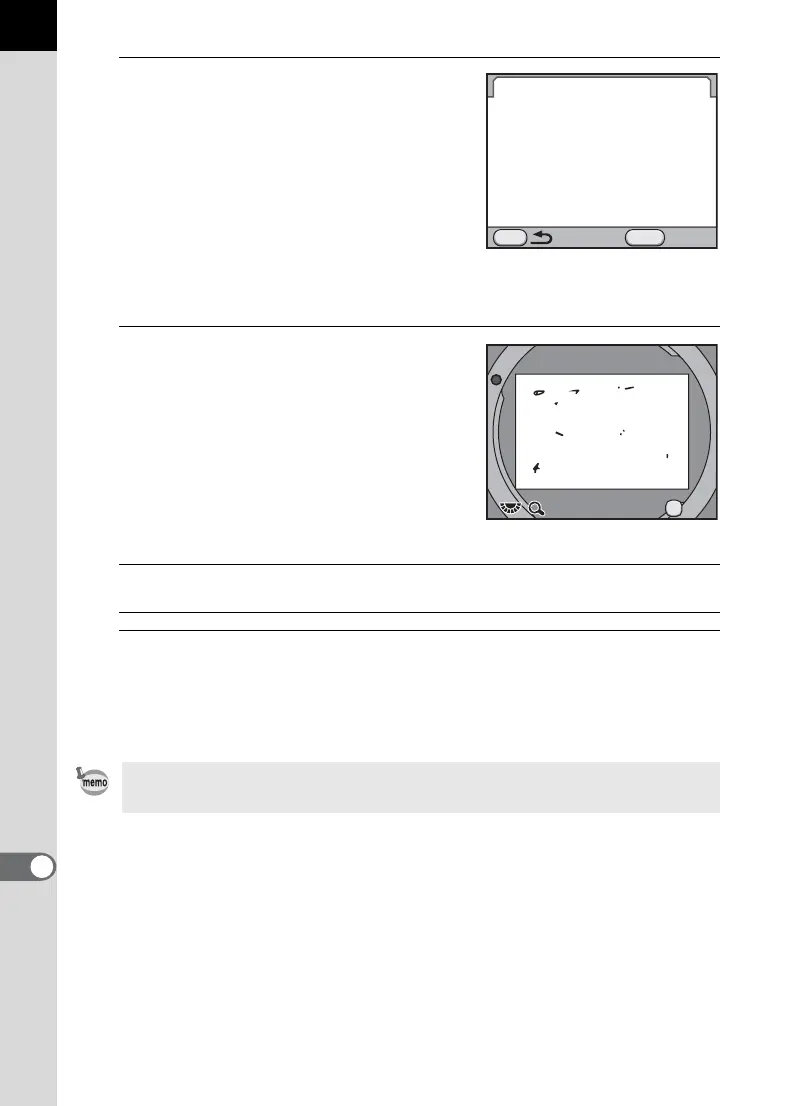
Fully display a white wall or other
bright subject with no detail in
the viewfinder and press the
shutter release button fully.
After image processing is performed, the
Dust Alert image appears.
If the message [The operation could not
be completed correctly] is displayed,
press the 4 button and take another picture.
3
Check the sensor for dust.
Available operations
4
Press the 4 button.
The Dust Alert image is saved and the camera returns to the [R Set-up
4] menu.
Rear e-dial (S)/
M button
Displays the Dust Alert image at full screen
display.
Regardless of the camera settings, the Dust Alert image will be taken with
specific shooting conditions.
Dust Alert
Checks for dust on the sensor.
Press shutter release button
to reveal dust location
Check
MENU
SHUTTER
Exit
x1
x1
OK



 To Next Page