Before Using Your Camera
1
41
3
Use the front e-dial (R) or rear
e-dial (S) to change the
setting.
4
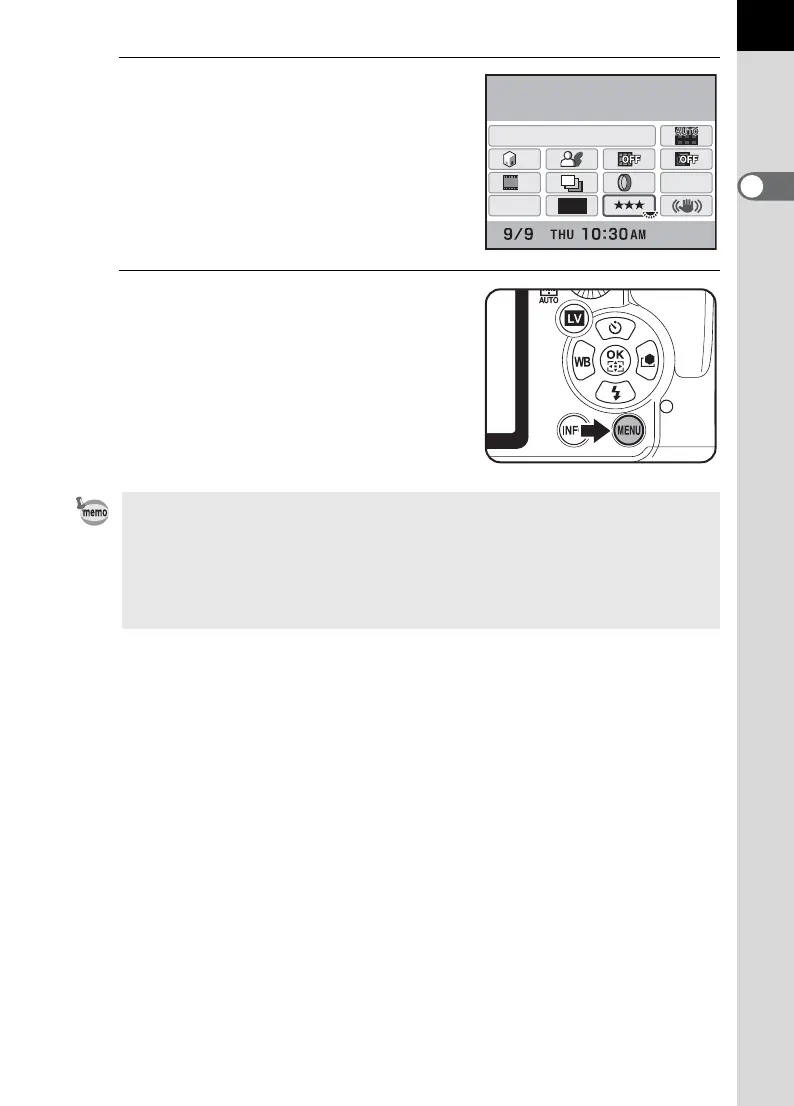
Press the 3 button.
The camera returns to the status screen
and is ready to take a picture.
• Press the 4 button in Step 3 to display the detailed setting screen for the
selected item. Make the detailed settings for functions such as Extended
Bracketing and Digital Filter on the detailed setting screen.
• The status screen and control panel are not displayed when Live View
(p.165) is displayed. Make or change necessary settings in the [A Rec.
Mode] menu in advance.
16M
[
37
]
JPEG Quality
ISO
AUTO
200-1600
JPEG
HDR
OFF
OFF
OFF
OFF
OFF
OFF
11



 To Next Page