15192 Triton Lane
Huntington Beach, CA 92649
Office Tel: 714-892-3400
Hotline Tel: 714-891-6533
www.ppedm.com
This document is the property of PPedm Corp. and contains proprietary and/or patented information and may not be reproduced in
part or in whole without the express written permission of the company. Perfect Point logo, Perfect Point
TM
and E-Drill
®
are
trademarks of PPedm, Corp. US and worldwide patents pending.
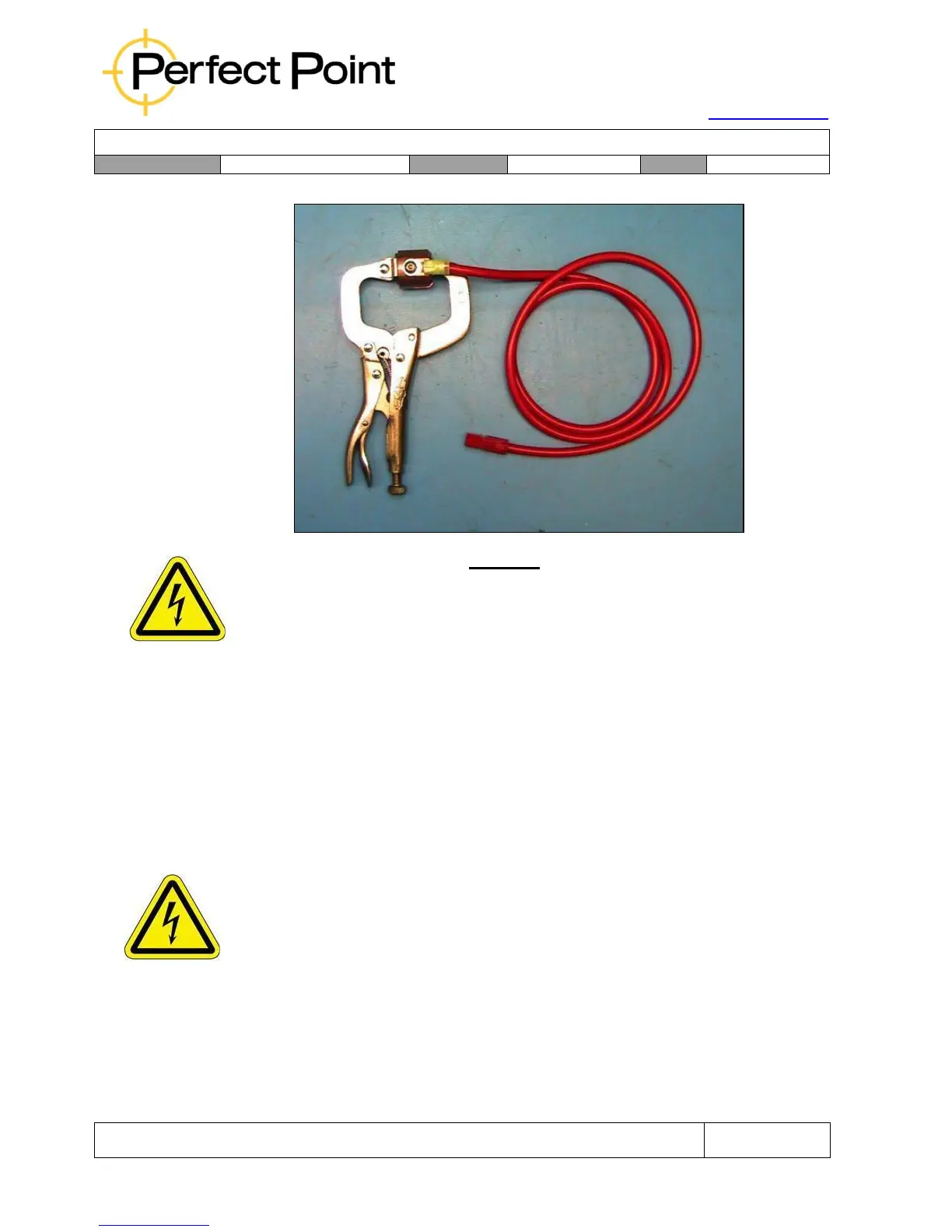
CAUTION
The External Ground (EG) Hand Tool will NOT operate without the system properly
grounded by the Ground Clamp Assembly. Check for electrical ground prior to further
system trouble shooting.
1.5 Mobile Service Unit Features, Controls, and Connections:
The Mobile Service Unit comprises the following primary components
1.5.1
Work Area:
The top of the Mobile Service Unit presents a flat area onto which the included
lockable toolbox rests, and a small work area to collect fastener remnants or
small hand tools. There is also a handle with which the unit can be moved
around.
WARNING
The Mobile Service Unit handle should not be used as a means of lifting the unit.
The toolbox may be removed and placed near the work area if desired. Inside the
hinged lid of the toolbox is a quick-start guide which describes operation of the
system.



 To Next Page