5-64 DA80F/DA95F AddressRight™ Printers Service Manual (SV61962 Rev. A)
5 • Removal and Replacement
DA95F (WF96) - Printer Parts Removal
5.36 Print
Head Cables
and Print
Head Boards
(continued)
18. Re-attach print head metal cover (three screws, small allen size).
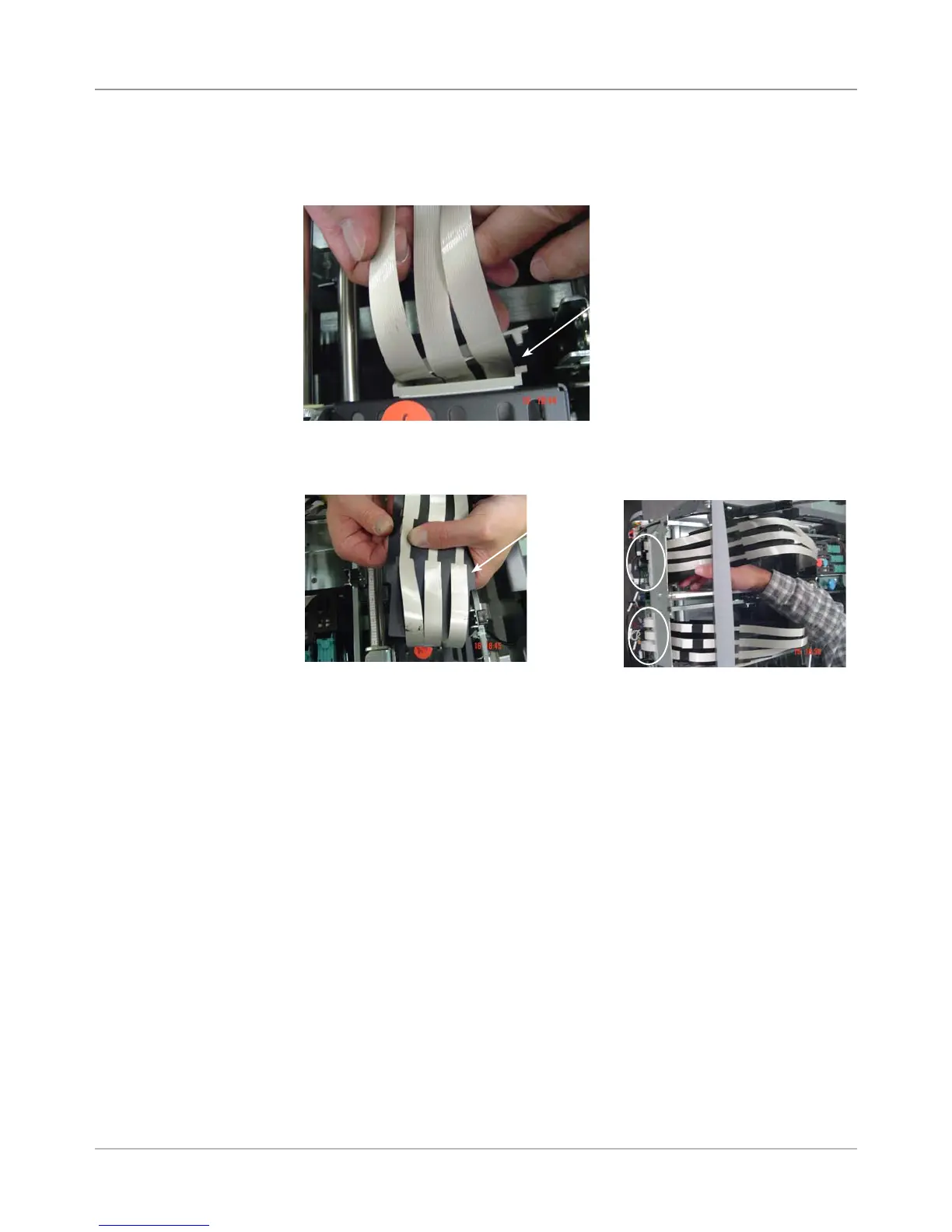
19. Clip plastic holder (wire management device) on print head cables.
20. Thread print head ribbon cables through black stiffener and route assem-
bly through access hole to main board.
Black
Stiffener
Access-->
Holes to
Main Board
(circled)
Wire Management
Device on Back of
Print Head Assembly



 To Next Page