DA80F/DA95F AddressRight™ Printers Service Manual (SV61962 Rev. A)
5-13
Removal and Replacement • 5
DA80F (WF81) Parts Removal
1. Remove the rear cover (see section 5.2) and main processor board (see
section 5.3).
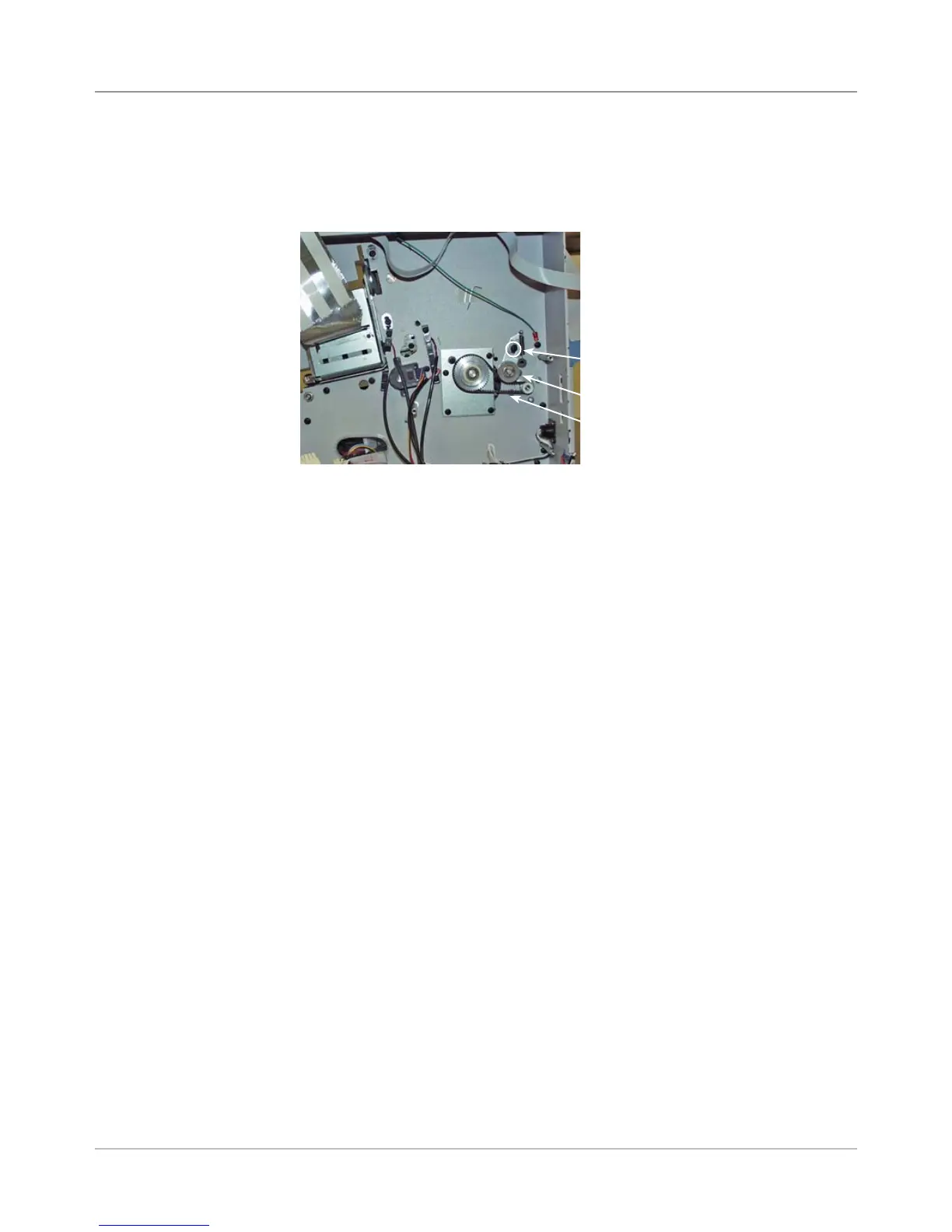
2. Loosen the auto-tensioner screw.
3. Slide auto-tensioner back to release tension on belt, then re-tighten
screw. Slowly walk the belt off the feed pulley assembly
4. Install new belt. Loosen screw, tension new belt, then re-tighten screw.
5. Reinstall main board and rear cover.
Feed Motor
Timing Belt
Screw for Auto Tensioner
Auto Tensioner
5.10 Feed
Motor Timing
Belt



 To Next Page