DA80F/DA95F AddressRight™ Printers Service Manual (SV61962 Rev. A)
A-27
Printer Control Panel Menus and Utilities • Appendix A
You can return all menu settings to their factory defaults by pressing and
holding On-Line while turning on the power to the printer. Several messages
display during this process:
Loading Settings. Please wait...
Displayed when printer is first turned on.
Reset memory to defaults? +YES -No
Displayed after printer start up. If Yes is selected, the printer settings as
reset to factory default. The “Resetting Printer” message is displayed
while the printer is being reset. If No is selected, the printer settings are
not reset. The ‘Restarting Printer’ message is displayed.
Resetting printer. Please wait...
Displayed while the printer is being reset to factory defaults.
Memory reset. Restarting printer...
Displayed for three seconds when printer settings have been reset to fac-
tory defaults.
Restarting printer...
Displayed for three seconds when user chooses not to reset the printer to
factory defaults
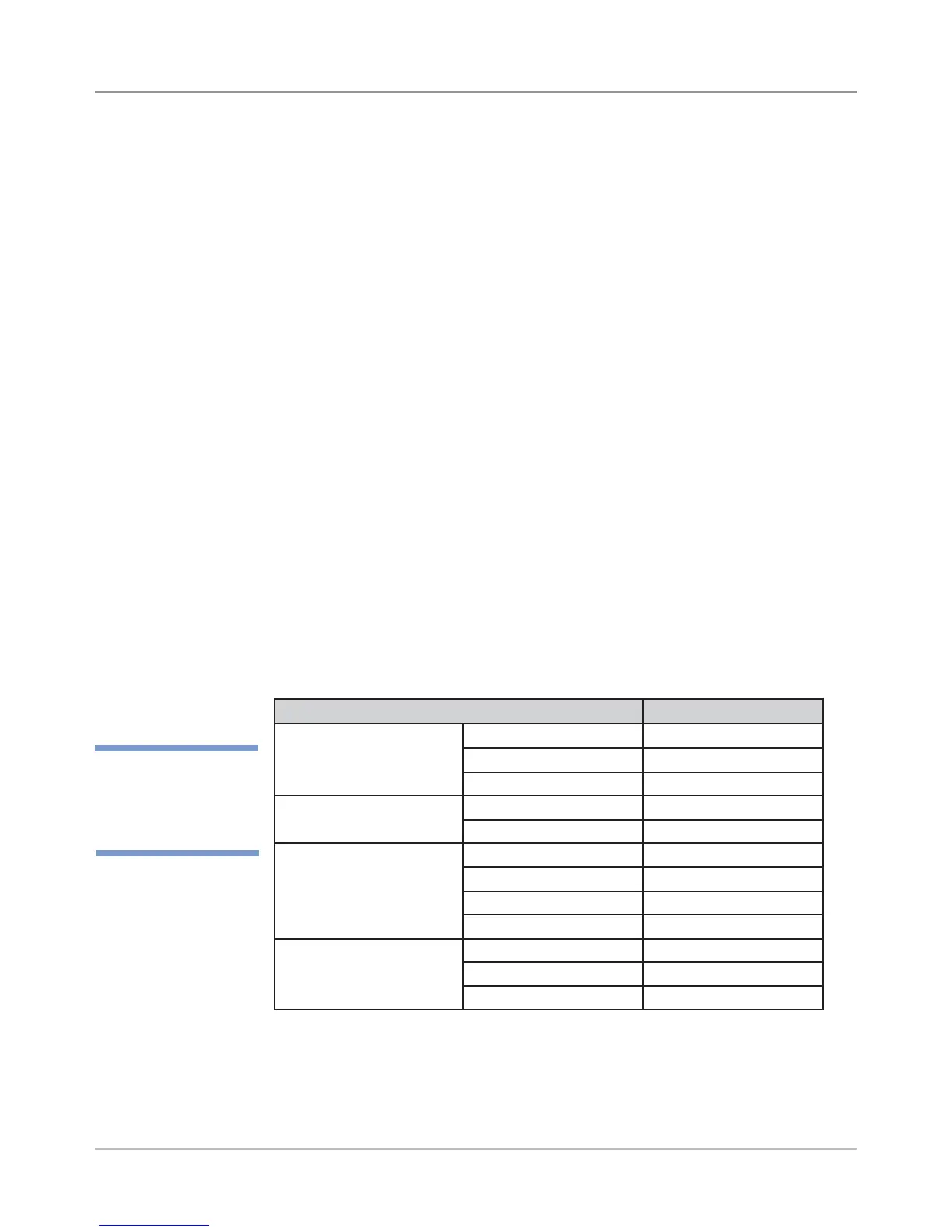
A list of the factory default settings is shown below and on the following pages.
A.6 Setting
Factory
Defaults (from
LCD Menu)
Main Menu
Parameter Default Setting
1. Address Layout Distance from Left 3.25 in
Line Spacing Automatic
Normal Mode Online at startup
2. Print Quality Print Quality Executive (600 dpi)
Light Mode Off
3. Font Font Courier
Font Size 12
Bold Off
Italic Off
4. Barcode Barcode Location Above Address
Barcode (9 Digit On/Off) Off
Barcode Bar Width Normal
✍
TIP: Only parameters
that have default set-
tings are listed.



 To Next Page