5-38 DA80F/DA95F AddressRight™ Printers Service Manual (SV61962 Rev. A)
5 • Removal and Replacement
DA80F (WF81) Parts Removal
5.21 Print
Head Access
Door
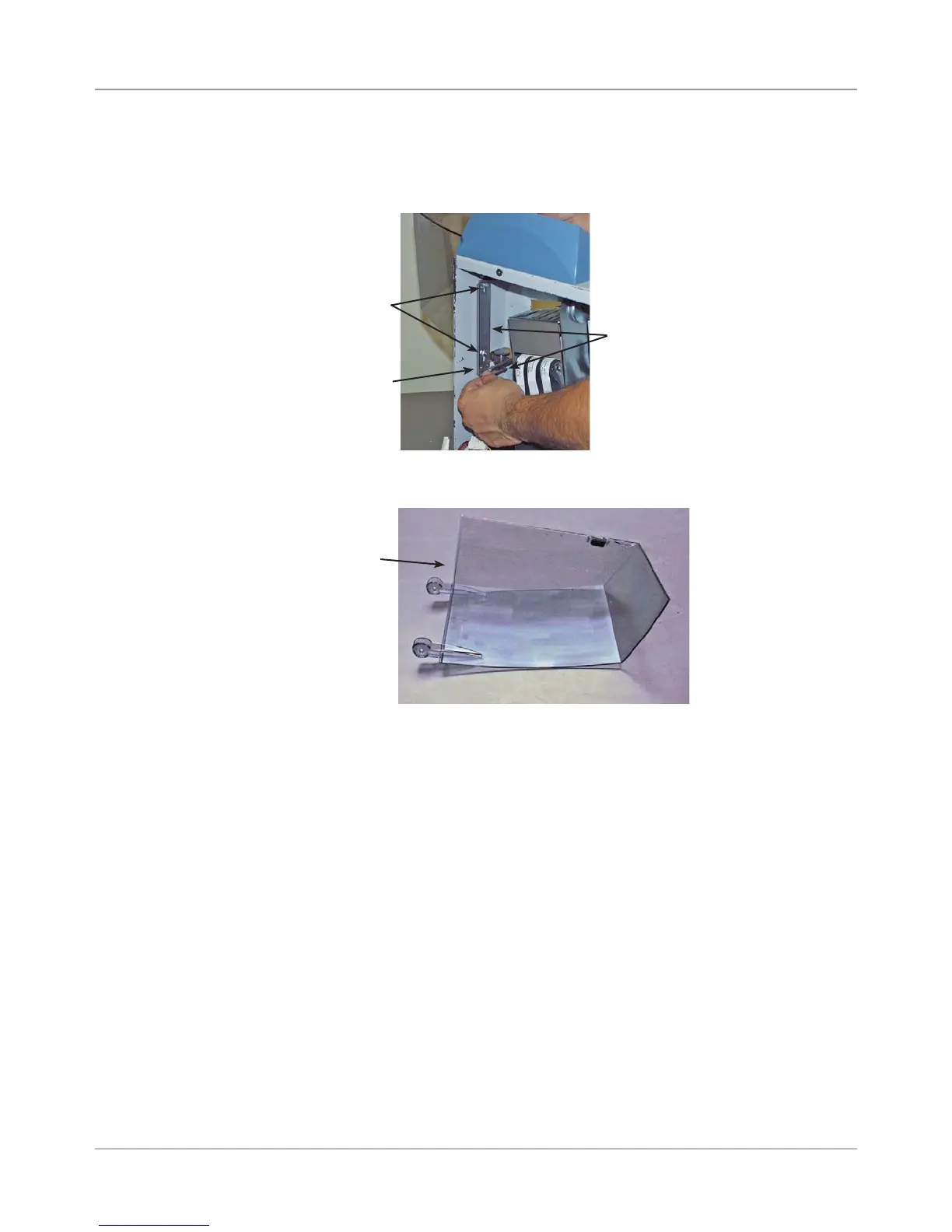
1. Remove the rear cover (see section 5.2).
2. Loosen two nuts holding cover arms.
3. Push down with fingers on metal hinge bracket and remove door.
Two Nuts
Push Down
Here
Door
3. Reinstall in reverse order, but make sure you push the hinge bracket to-
wards the operator side of machine when installing the door.
Metal Hinge
Bracket



 To Next Page