5-68 DA80F/DA95F AddressRight™ Printers Service Manual (SV61962 Rev. A)
5 • Removal and Replacement
DA95F (WF96) - Printer Parts Removal
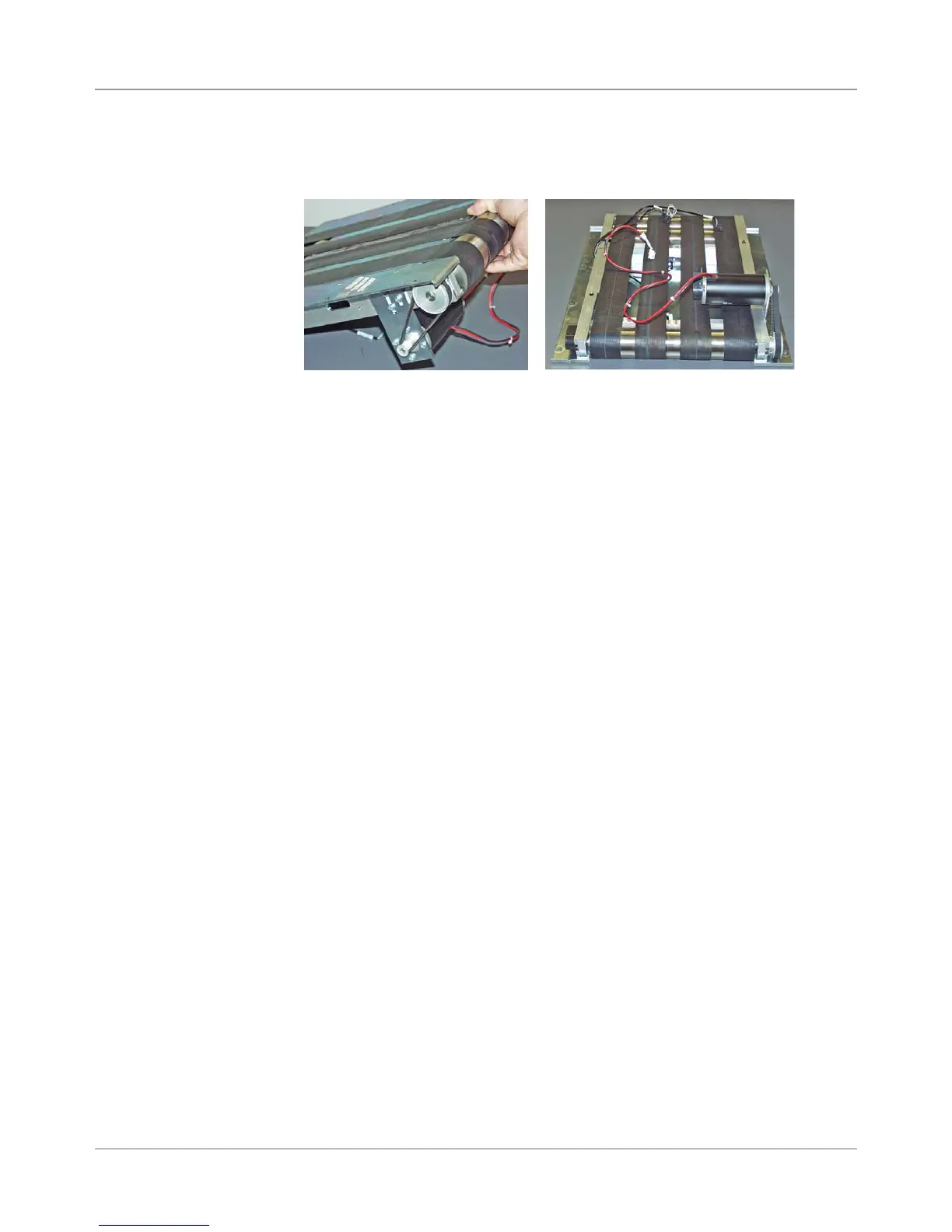
7. Lift the entire assembly out of the base, taking care not to hit the motor.
Place it upside down on the table.
8. Reinstall in reverse order.
NOTE: When reinstalling the belt drive assembly on the base assembly,
remove the access pan cover so the cables can be threaded through the
appropriate openings in the base to connect with the processor board.
5.37 Belt Drive
Assembly
(continued)



 To Next Page