DA80F/DA95F AddressRight™ Printers Service Manual (SV61962 Rev. A)
A-29
Printer Control Panel Menus and Utilities • Appendix A
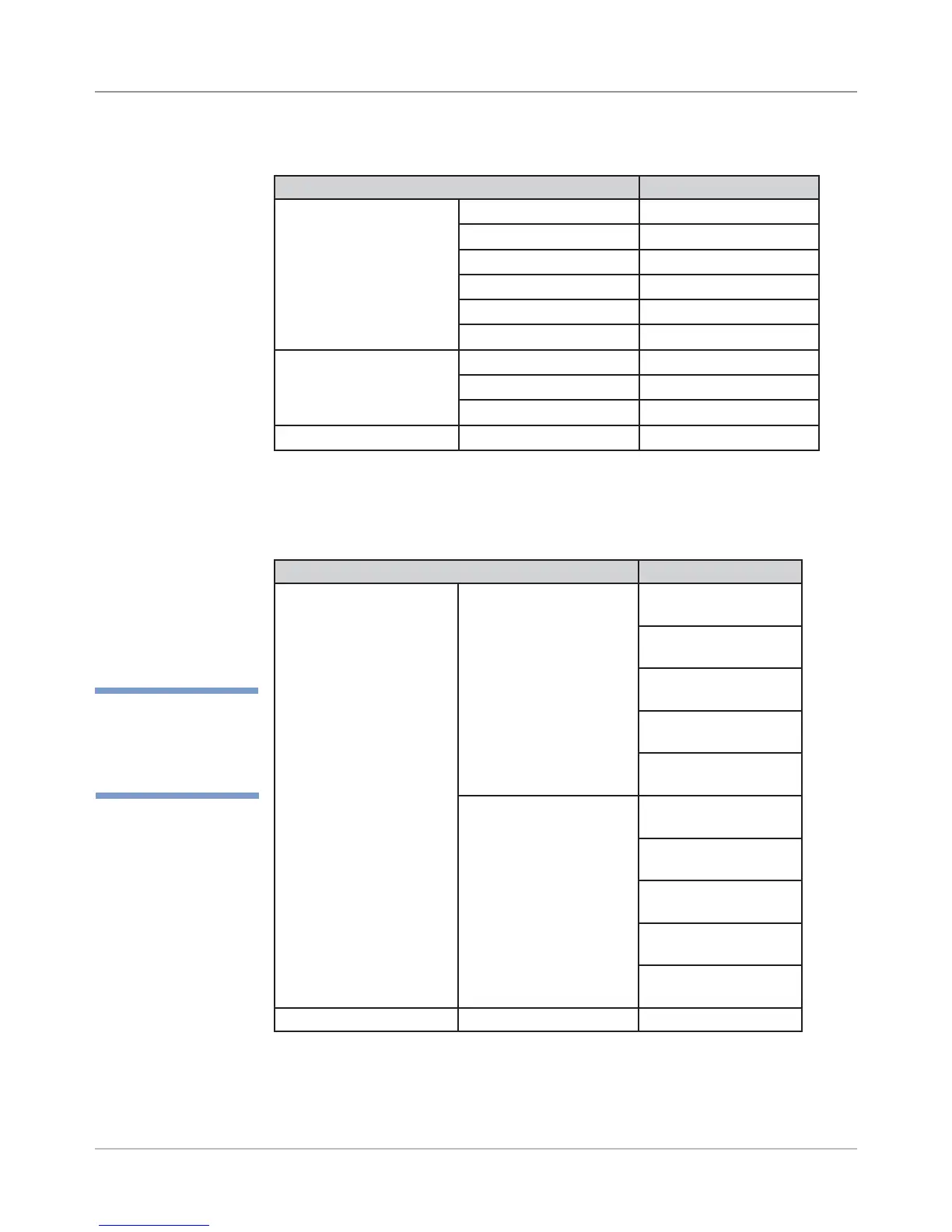
A.6 Setting
Factory
Defaults (from
LCD Menu)
Service Menu
Parameter Default Setting
1. Adjust Printing Module A Adjust -
Print Head Adjust
Horiz Adjust 2-1
F
Horiz Adjust 3-2
G
Vert Adj: HDS 2-1
3
Vert Adj: HDS 3-2
4
Mod A to Sensor
XX.XXX in
Module B Adjust -
Print Head Adjust
Horiz Adjust 5-4
G
Horiz Adjust 6-5
F
Vert Adj: HDS 5-4
4
Vert Adj: HDS 6-5
3
Mod B to Sensor
XX.XXX in
5. Brand Pitney Bowes
Parameter Default Setting
12. Tray Break Enable/Disable Disable Tray Break
Break Character Count 6
Character Orientation Vertical
Break Location After Address
Print Break Characters Disable
Break Pause Time 3.00 seconds
13. Low Ink Warning Display Warning Enabled
Warning Threshold 5%
Stop When Empty Enabled
15. Hex Dump Hex Dump Mode Off
Setup Menu (continued)
✍
TIP: Only parameters
that have default set-
tings are listed.



 To Next Page