3-4 DA80F/DA95F AddressRight™ Printers Service Manual (SV61962 Rev. A)
3 • Theory
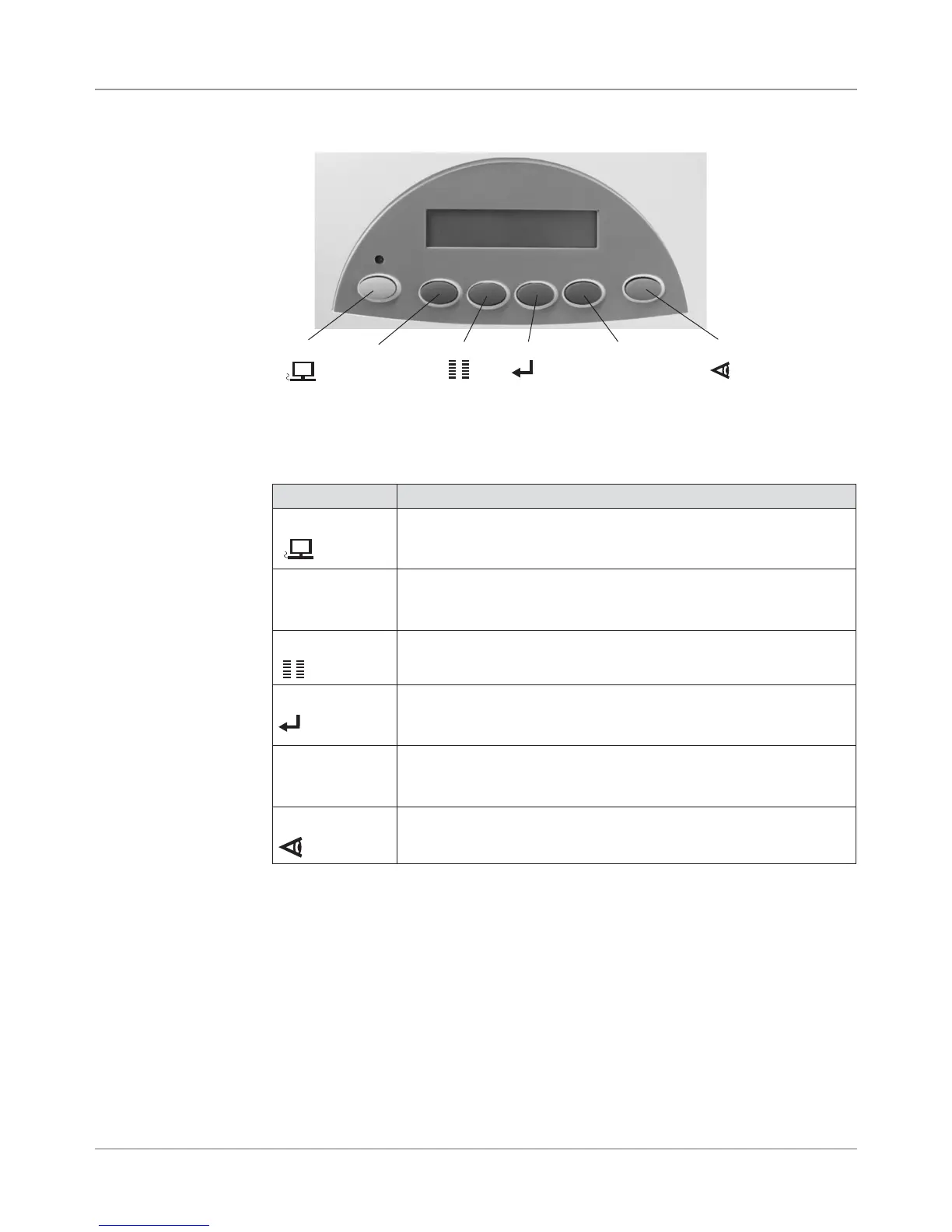
Figure 3-4 User Interface ( Control Panel) on Printer
3.2 Printer
Architecture
The buttons on the control panel perform the following functions:
Button Description
ON LINE
• Toggles (switches) between ON LINE (communicates with host
PC) and OFF LINE (no communications with host PC).
• Exits the menu system.
_
(minus)
• Decrements a value.
• Moves backwards through a choice list.
• Negative response to query.
Menu
• Enters the menu system when OFF LINE.
• Exits a submenu.
Enter
• Selects and/or saves the displayed value.
• Causes system to perform described action.
• Advances to next screen.
+
(plus)
• Increments a value.
• Moves forward through a choice list.
• Affirmative response to a query.
Test Env
• Prints a test piece when OFF LINE.
• Prints a report for specific menu items.
On Line
_
Menu Enter
+
Test Env.
NOTE: See Appendix A, Printer Control Panel Menus for a full explanation of
all the menu options.



 To Next Page