Planmeca ProMax 3D Max with ProTouch 31
3D PATIENT EXPOSURE
User’s Manual
Check that the image volume is positioned correctly for
this patient. If you need to adjust the volume position,
proceed as follows.
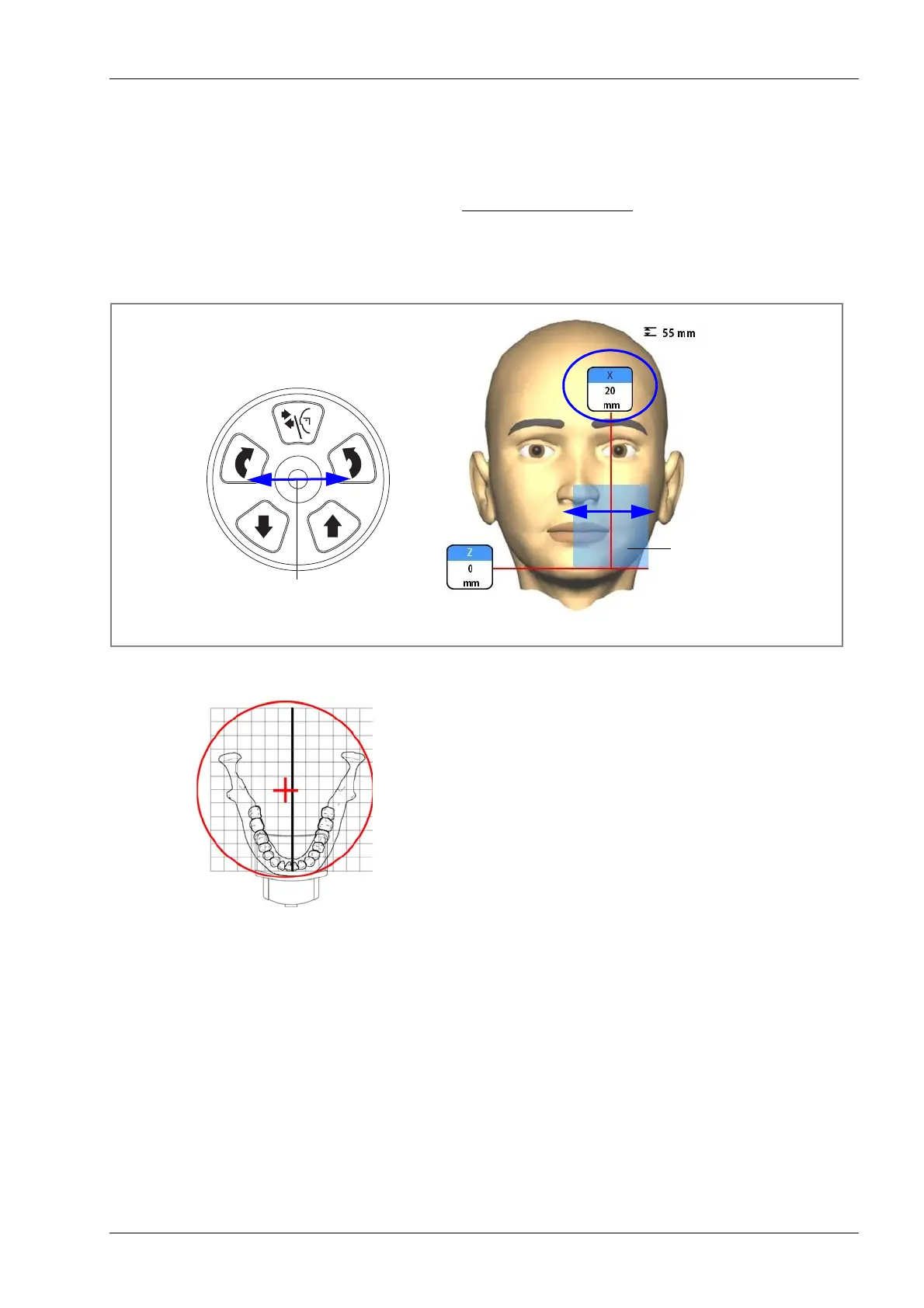
Front light (X laser)
If you need to move the image volume to your left or right:
• Move the positioning joystick to your left or right. The
front light (i.e. the image volume center as seen from
the front) will move accordingly.
NOTE Image volumes with large diameters (Ø > 100 mm) are
slightly offset towards the column. These image
volumes cannot be moved to the left or right.
Small image volume
Left
Right
Positioning joystick
(front light = X laser)
Left Right














 To Next Page