Bookletmaker SR 85 February 2001PAGE
Continue REP 5.2 Staple/Fold position, adjustment
ADJUSTMENT 2
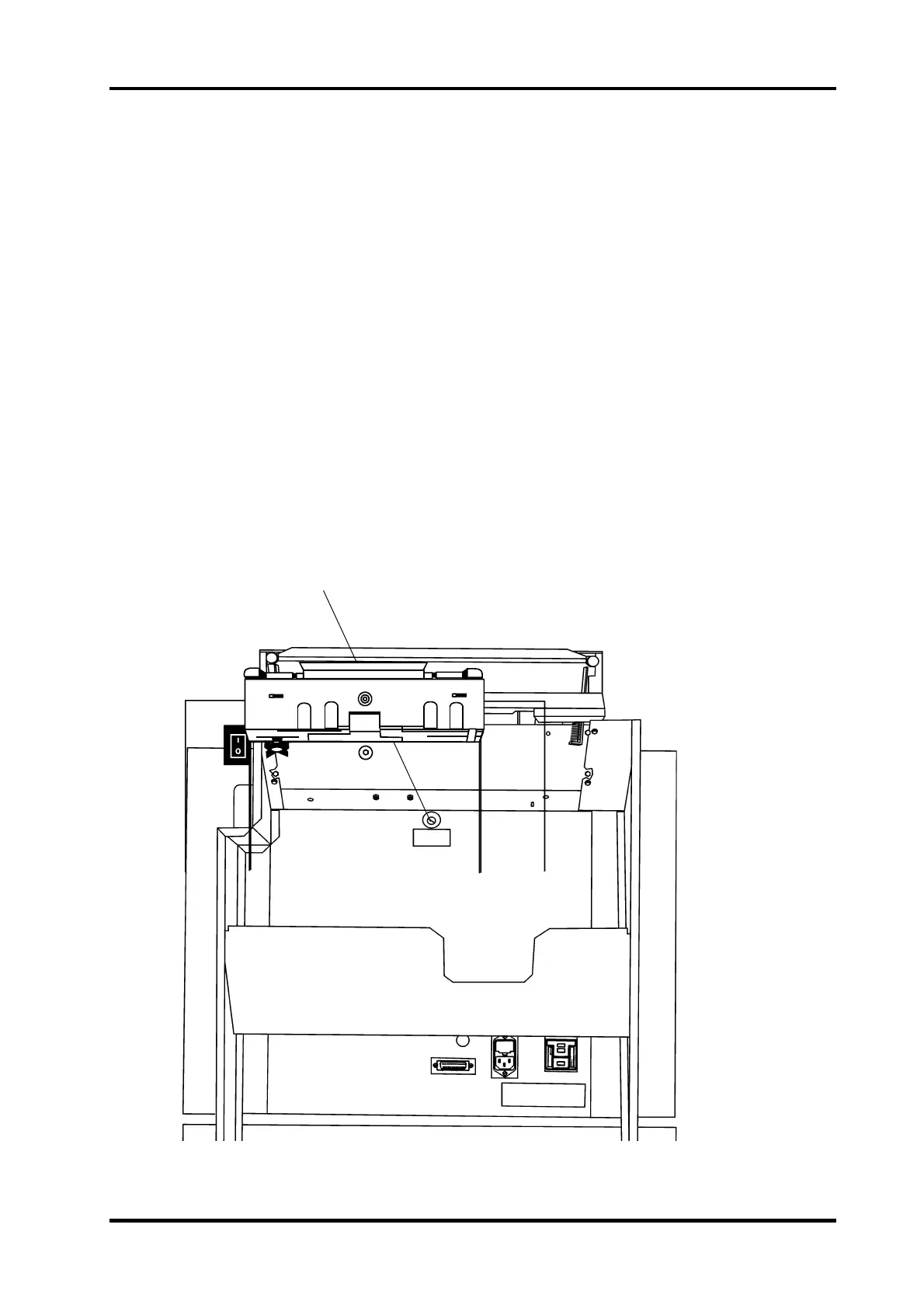
1. Loosen the locknut and rotate the setscrew (1) clockwise if the staples are located on
the top, counterclockwise if the staples are located on the bottom and tighten the
locknut.
NOTE: Top of the booklet is the side that contacts the output wheel.
2. Repeat Adjustment 2 until the staples are aligned with the fold.
ADJUSTMENT 3
1. Rotate screw (4) clockwise to lengthen the top of the booklet, counter clockwise to
shorten the top of the booklet.
NOTE: Top of the booklet is the side that contacts the output wheel.
2. Select Adjustment mode on the Control panel
3. Handfeed a 2-sheet set using A4 (8.5“x 11“) paper.
4. Adjust the sheet size on the control panel to align the Back jogger with the trail edge of
the set without producing a buckle in the set.
5. Select Run mode and run a few sets.
6. Repeat Adjustment 3 until the edges of the booklet are aligned.
4
5.2.2



 To Next Page