Bookletmaker SR 85 February 2001PAGE
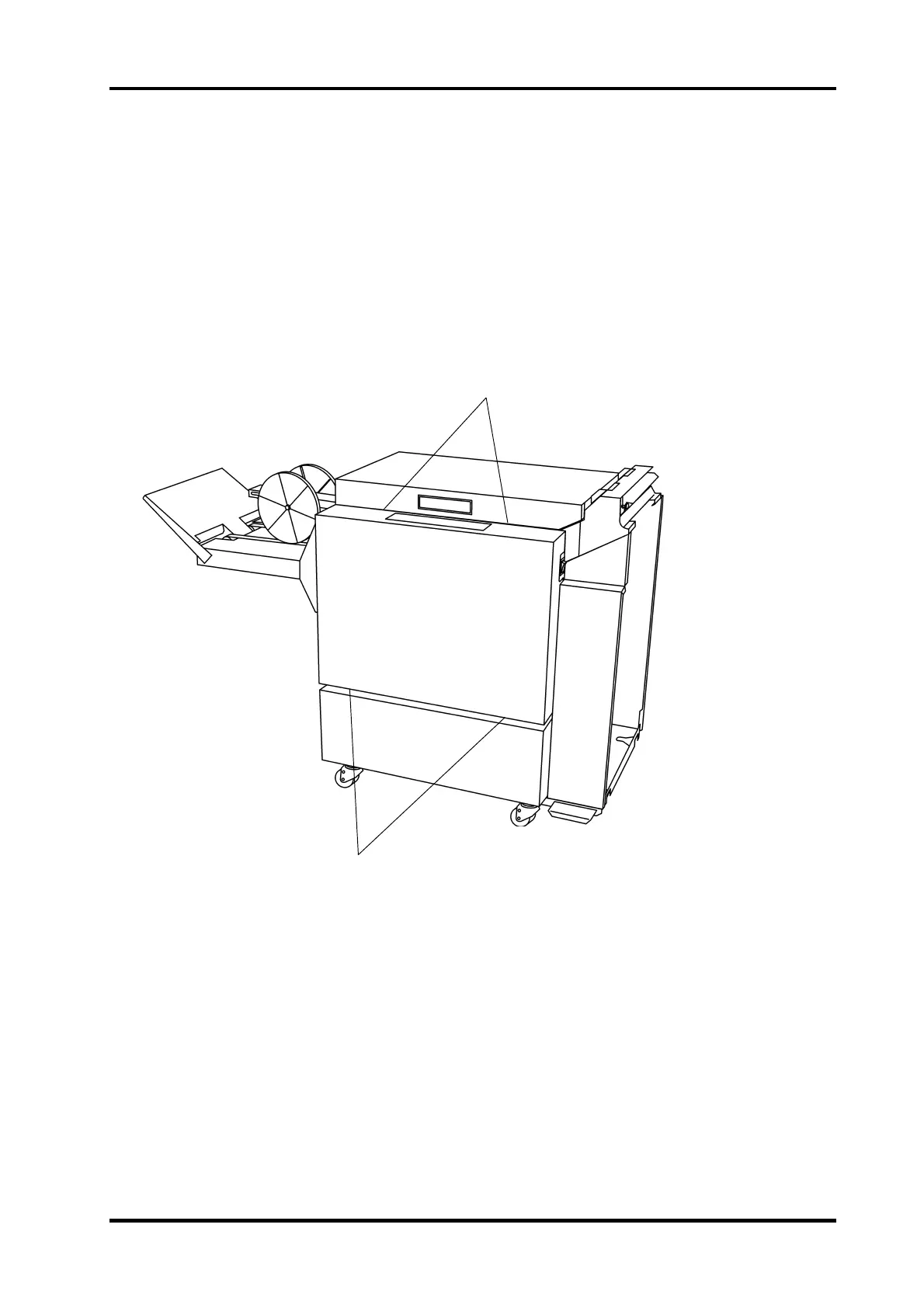
REP 1.1 Front and rear cover
REMOVAL
Front cover
1. Switch off the main power switch and disconnect the power cord.
2. Open the Top cover and loosen the two screws (1) securing the top end of the Front
cover.
3. Loosen the two nuts (2).
4. Pull out the lower end and lift up carefully to remove.
Rear cover
Removal of the rear cover is performed the same way as removal of the front cover.
INSTALLATION
Installation is an exact reversed procedure of removal.
1
2
1.1.1



 To Next Page