Bookletmaker SR 85 February 2001PAGE
PURPOSE
The purpose is to ensure that the sets are folded in the center of the set, that the fold is par-
allel to the edge of the sets and that the staples are aligned with the fold.
1. Select Fold mode and Adjustment mode on the Control panel
2. Handfeed a 2-sheet set using A4 (8.5“x 11“) paper.
3. Adjust the sheet size on the control panel to align the Back jogger with the trail edge of
the set without producing a buckle in the set.
4. Select Run mode and run a few sets.
5. Check that the fold is parallel to the edge of the set. If not perform Adjustment 1.
NOTE: After adjustment 1 is performed , return to this procedure and continue from step 1.
6. Check that the fold is in the center of the set (that the edges of the booklet are aligned).
If not perform Adjustment 3.
NOTE: After adjustment 3 is performed , return to this procedure and continue.
7. Repeat step 1 to 4 but run 4-sheet sets in Staple/Fold mode.
8. Check that the staples are aligned with the fold. If not perform Adjustment 2.
ADJUSTMENT 1
1. Adjust to the largest sheet size on the control panel.
2. Place the stacker module in upright position.
3. Switch of the main power switch and disconnect the power cord.
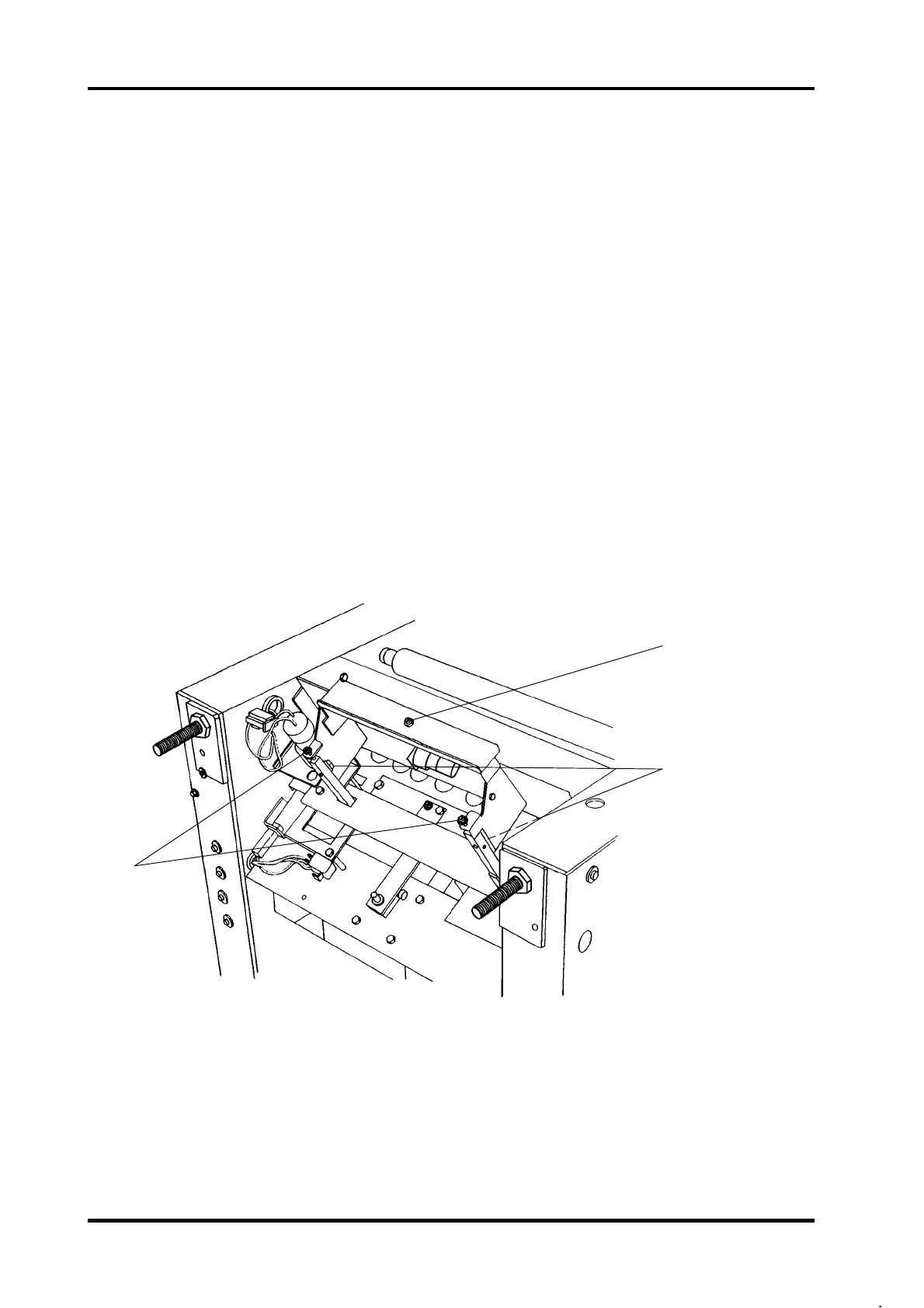
4. Loosen the two mounting screws (2).
5. Rotate the two screws (3) to adjust.
6. Push in the fold stop assembly when tighten the two screws (2).
7. Repeat Adjustment 1 until the fold is parallel to the edge of the set.
REP 5.2 Staple/Fold position, adjustment
1
2
3
5.2.1
SHOWN IN TIPPED POSITION FOR CLARITY



 To Next Page