1
I
I
1
I
I
,
Co
1
c
II
I
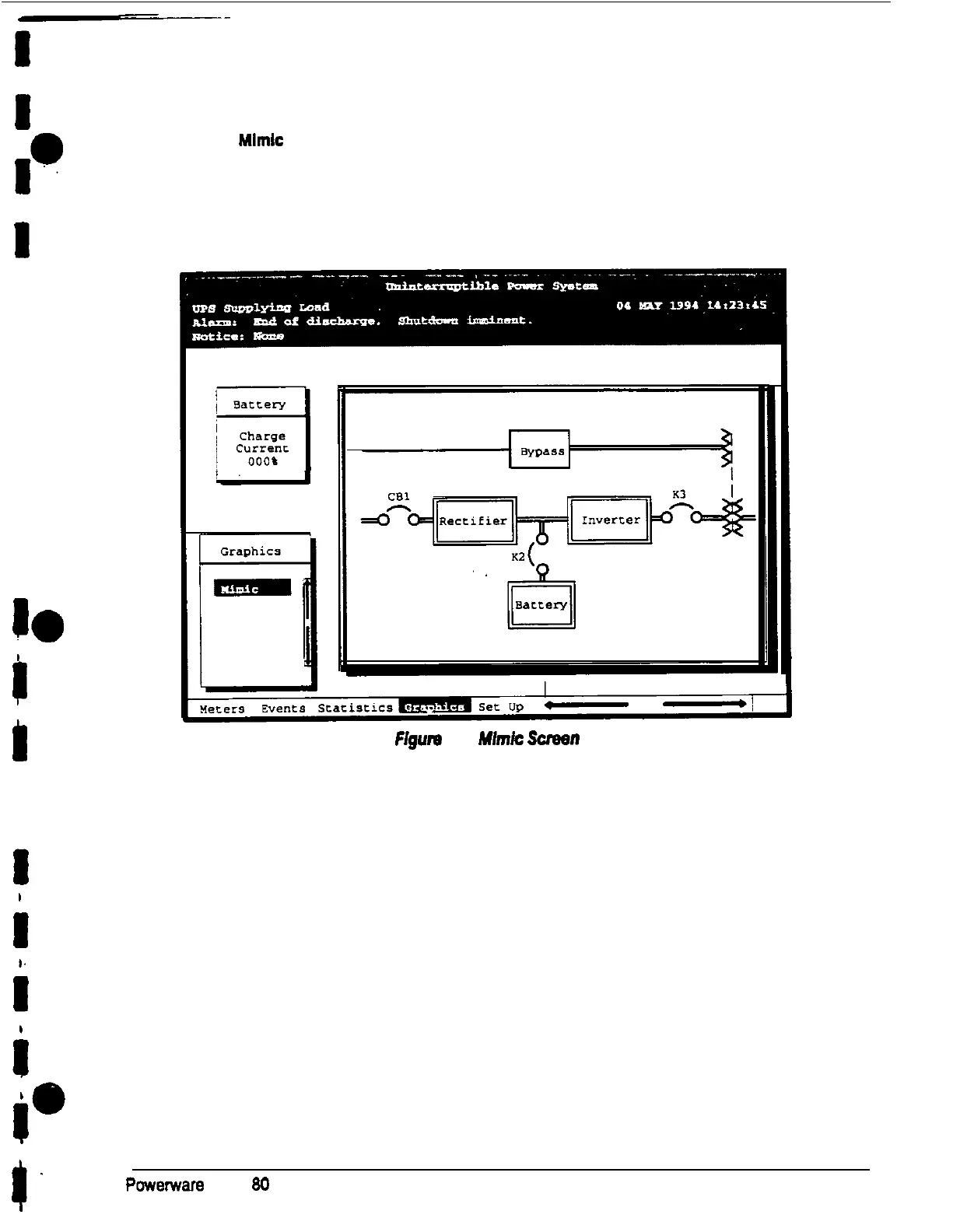
Select
Mlmlc
from the Graphics menu to display a real-time graphical representation of the
flow of current through the UPS.
Figure 14 shows the Unit Mimic screen.
Figurn
14.
Mlmk
Scrwn
The Mimic screen shows the internal components of the UPS cabinet The flow of current
through the components is highlighted.
.
I-
Powemara
Plus 80 UPS Operator’s Manual
27
I











 To Next Page