Select
lilstoy
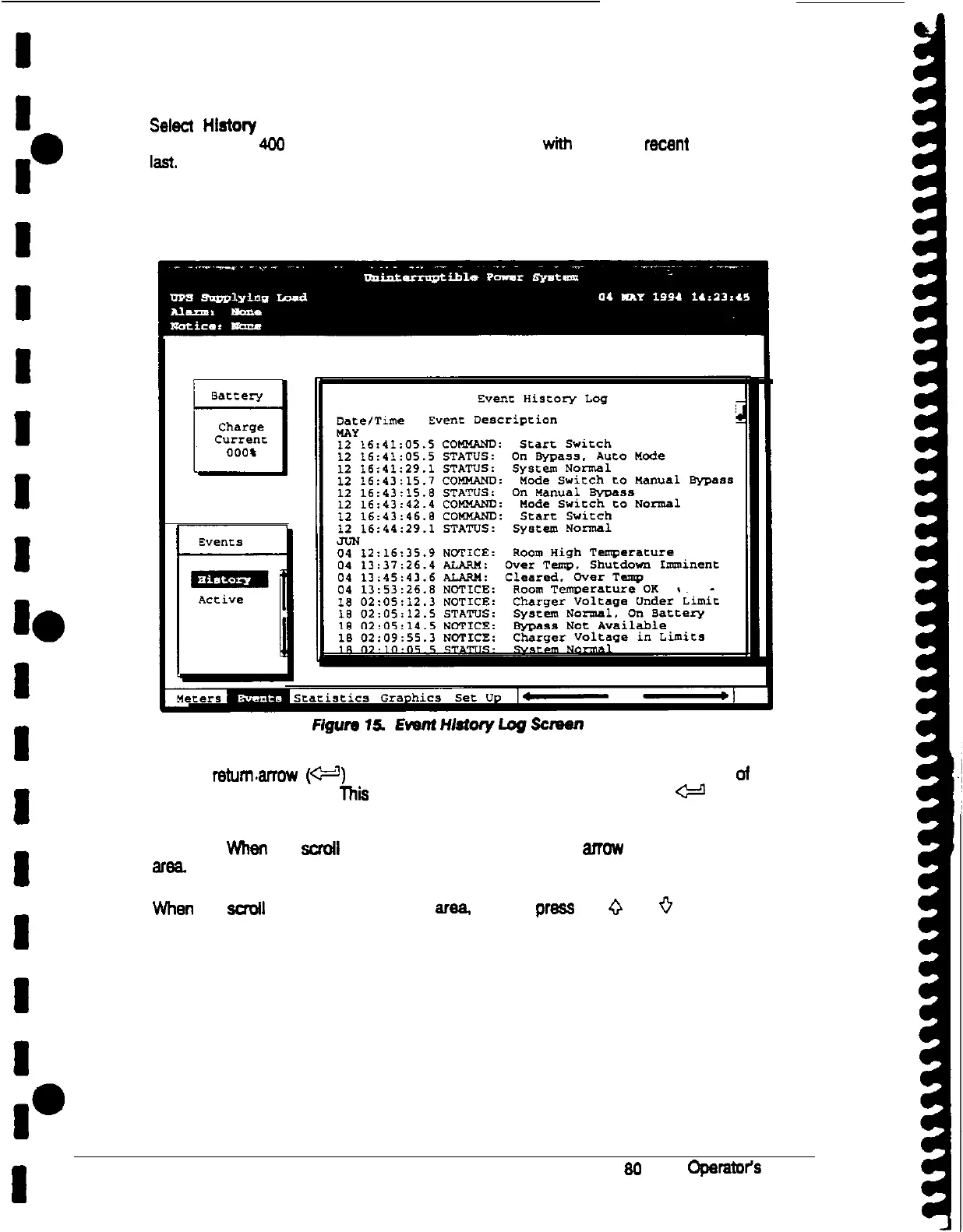
from the Events menu to display the Event History Log. The Event History
Log lists up to 400 system events in chronological order,
with
the most
went
event listed
lkst. The end of the log (the most recent events) appears when you display the screen,
and you must scroll upward to view older event listings.
Figure 15 shows the Event History Log screen.
A small returnarrow
(W)
appears in the upper right comer of the information area of the
Event History Log screen. This arrow is a reminder that you can press the
~9
pushbutton on the Monitor Panel to toggle the scroll bar between the menu box ‘and the
information area. When the scroll bar is in the information area. me return arrow is in the
menu box. When the scrotl bar is in the menu box, the return arrow is in the information
area.
When the scroll bar is in the information area, you can press the
0
and
+
pushbuttons to
scroll through the Event History log.
I
28
Power-ware Plus 80 UPS Oparator3 Manual











 To Next Page