86
MBOX® USER MANUAL
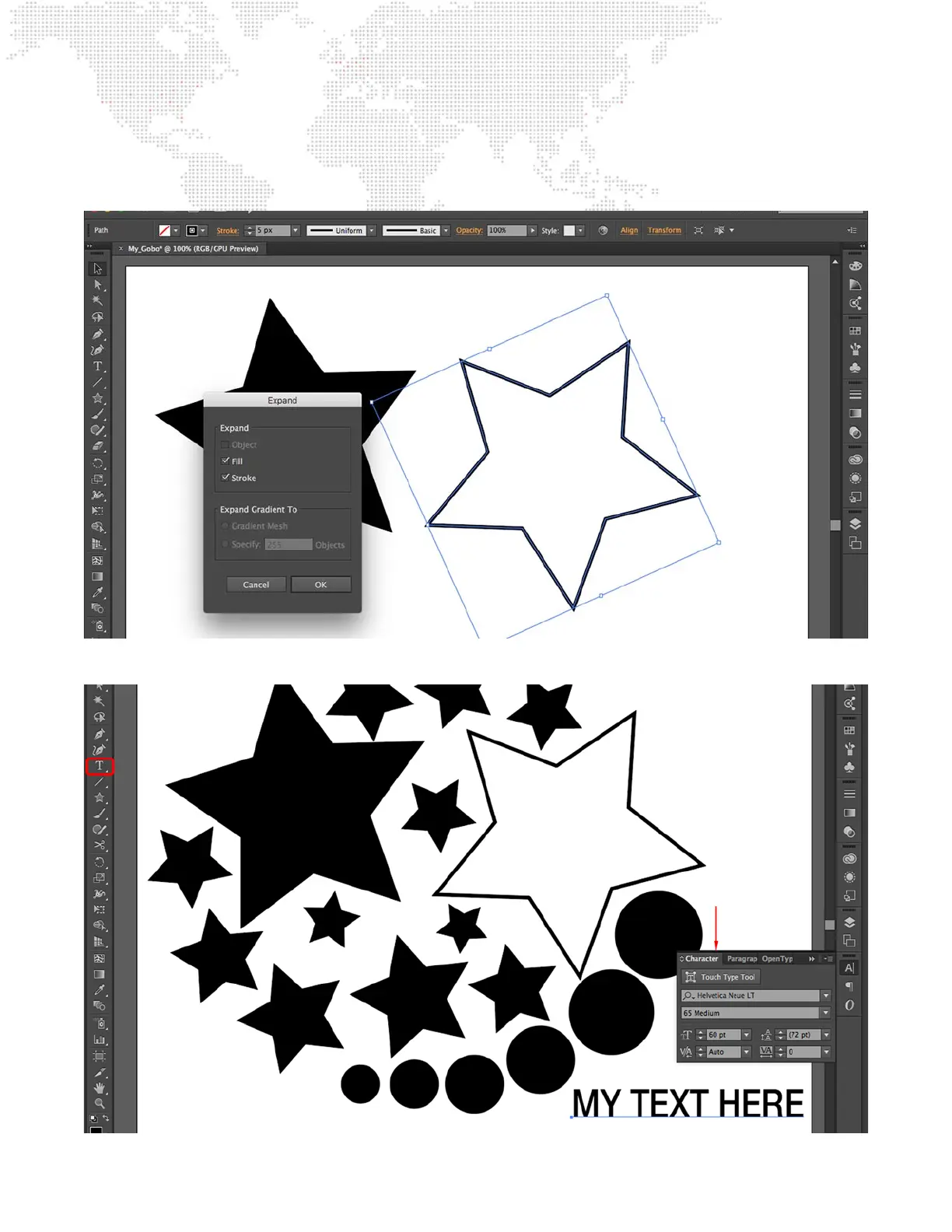
Step 4. To expand an object, rst select the object, then choose Expand from the Object menu. This will open a
pop-up window. The default options in the window are ne, just press OK. Add more objects as desired.
(Use multiple layers, if required.)
Step 5. Use the text tool to create text as desired. Use the Character options to set font and size.
Character Options



 To Next Page