Psion Teklogix 7535/7530 Hand-Held Computer User Manual 75
Chapter 4: Working With Windows CE
Security Settings
In the Security Level dialog box:
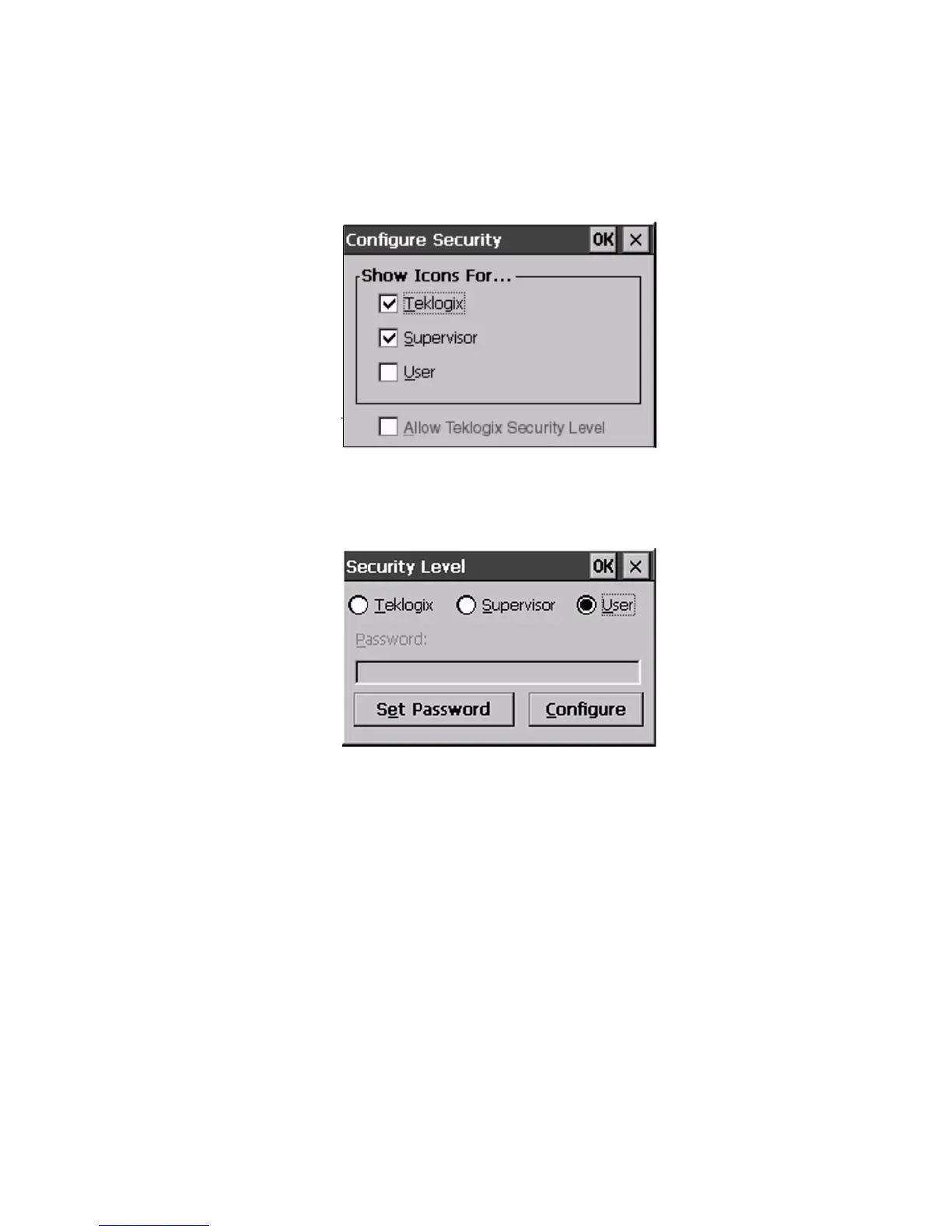
• Select the Configure button.
Figure 4.7 Configuring Security
• Select the checkbox next to Allow Teklogix Security Level to enable this
option, and then select OK.
Figure 4.8 Security Levels
The Teklogix level security is now available in the Security Level dialog box.
• Select the radio button next to Teklogix. To activate this security level,
you’ll need to enter the appropriate Psion Teklogix level password in
the Password field.



 To Next Page