Psion Teklogix 7535/7530 Hand-Held Computer User Manual 227
Chapter 6: Tekterm Application
The Tekterm Status Area
6.5 The Tekterm Status Area
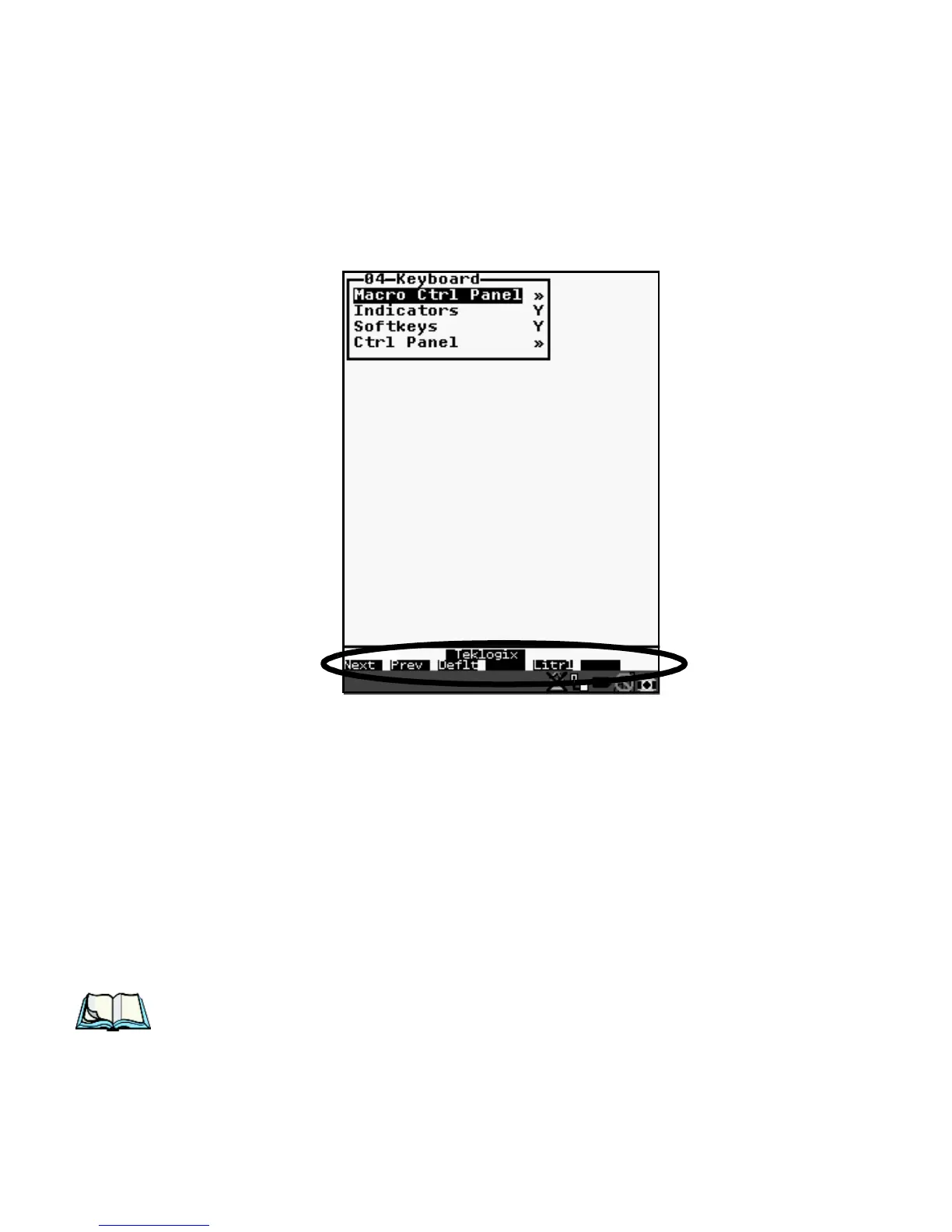
Tekterm provides a status area just above the softkey labels. The status area indi-
cates the operating condition of the hand-held.
Figure 6.2 Status Area
The security level assigned within the Tekterm application is displayed in the status
area. One of the following is displayed – Supervisor or Teklogix.
6.6 TESS Emulation
TESS (Teklogix Screen Subsystem) is the normal operating mode of Psion Teklogix
computers. Teklogix protocol emulation software resident on network controllers or
a Psion Teklogix Software Development Kit (SDK) and installed in the host
converts host screens to TESS commands. The 9150 Access Point is also equipped
with protocol emulation software.
Note: If the message “RESET: Press Enter” flashes at the bottom of the TESS
screen when you turn on the 7535/7530, press the <ENTER> key once.



 To Next Page