Psion Teklogix 7535/7530 Hand-Held Computer User Manual 257
Chapter 6: Tekterm Application
Audio
6.16.2 Audio
The 7535/7530 emits a beep under a variety of conditions. The “Audio” menu
above lists the conditions under which your hand-held will sound.
Sounds Ctrl Panel
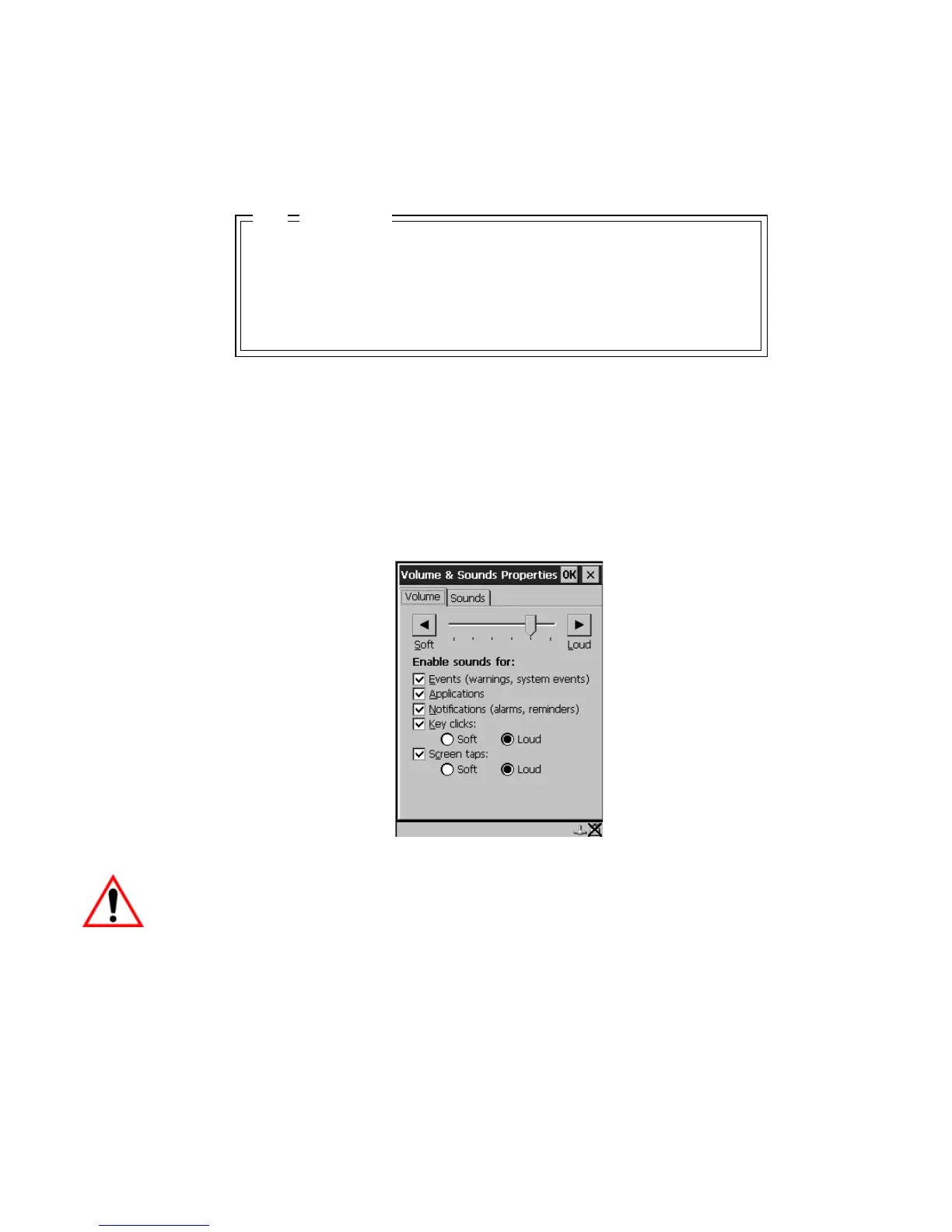
This option displays the Volume & Sounds Properties dialog box. This dialog box is
used adjust the beeper volume and to select the conditions under which the
7535/7530 will emit a beep.
Figure 6.8 Adjusting The Volume
Important: Refer to “Volume And Sound Properties” on page 108 for details
about this dialog box.
Normal /windows/default/wav
Error /windows/default/wav
Scan Accept /windows/default/wav
Scan Reject /windows/default/wav
Sounds Ctrl Panel » see text
Audio
04



 To Next Page