Chapter 2: Basic Checkout
Assigning An IP Address
28
Psion Teklogix 7535/7530 Hand-Held Computer User Manual
2.3.1 Assigning An IP Address
If your network is not using a DHCP server, you will need to assign an IP address.
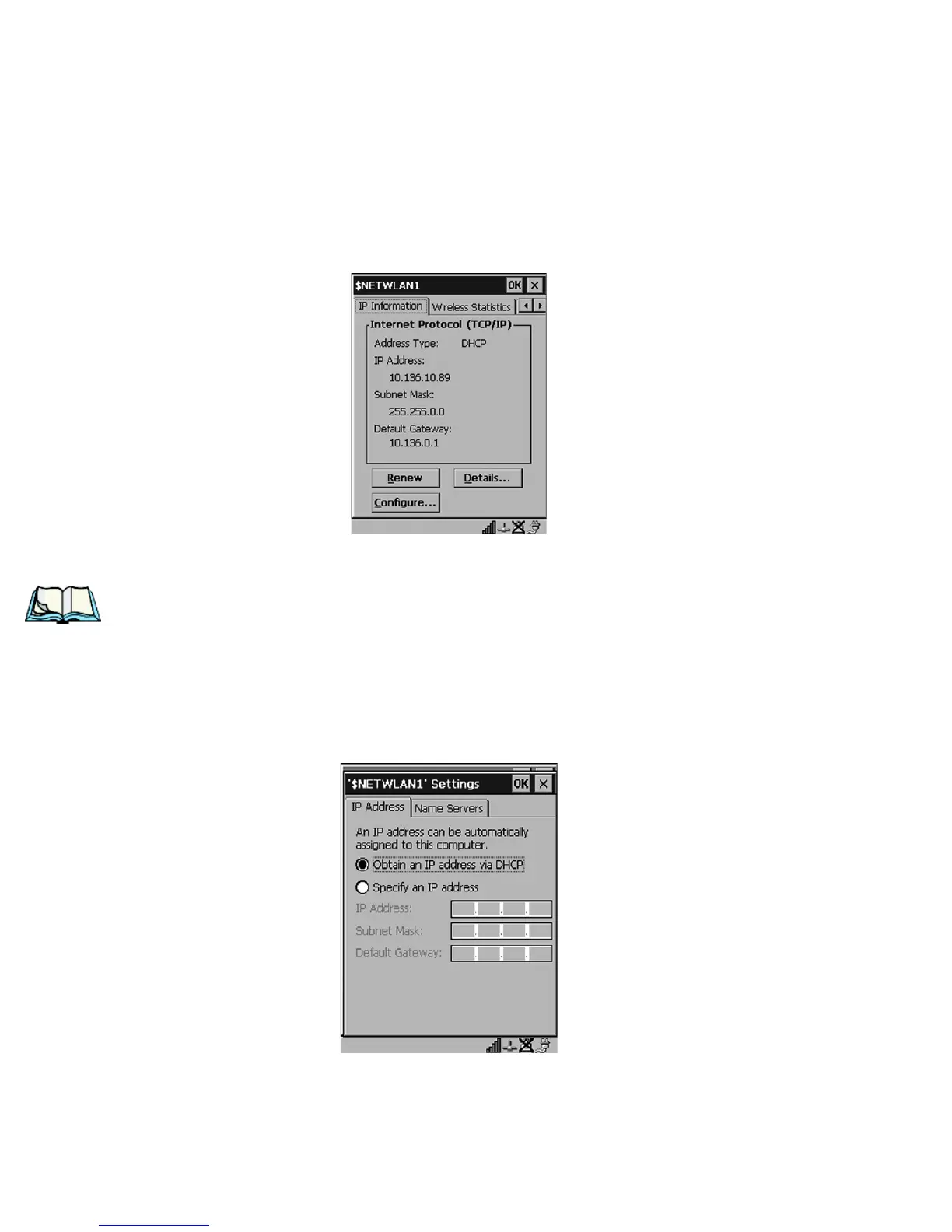
•In the $NETWLAN1 Settings window, display the IP Information tab.
Figure 2.11 IP Information
Note: Choosing the Renew button forces the 7535/7530 to renew or find a new
IP address. This is useful if, for example, you are out of communication
range for a longer period of time and your 7535/7530 is dropped from the
network.
To define a static IP address:
• Tap on the Configure button.
Figure 2.12 Defining An IP Address



 To Next Page