Psion Teklogix 7535/7530 Hand-Held Computer User Manual 191
Chapter 5: Configuration
Options Tab
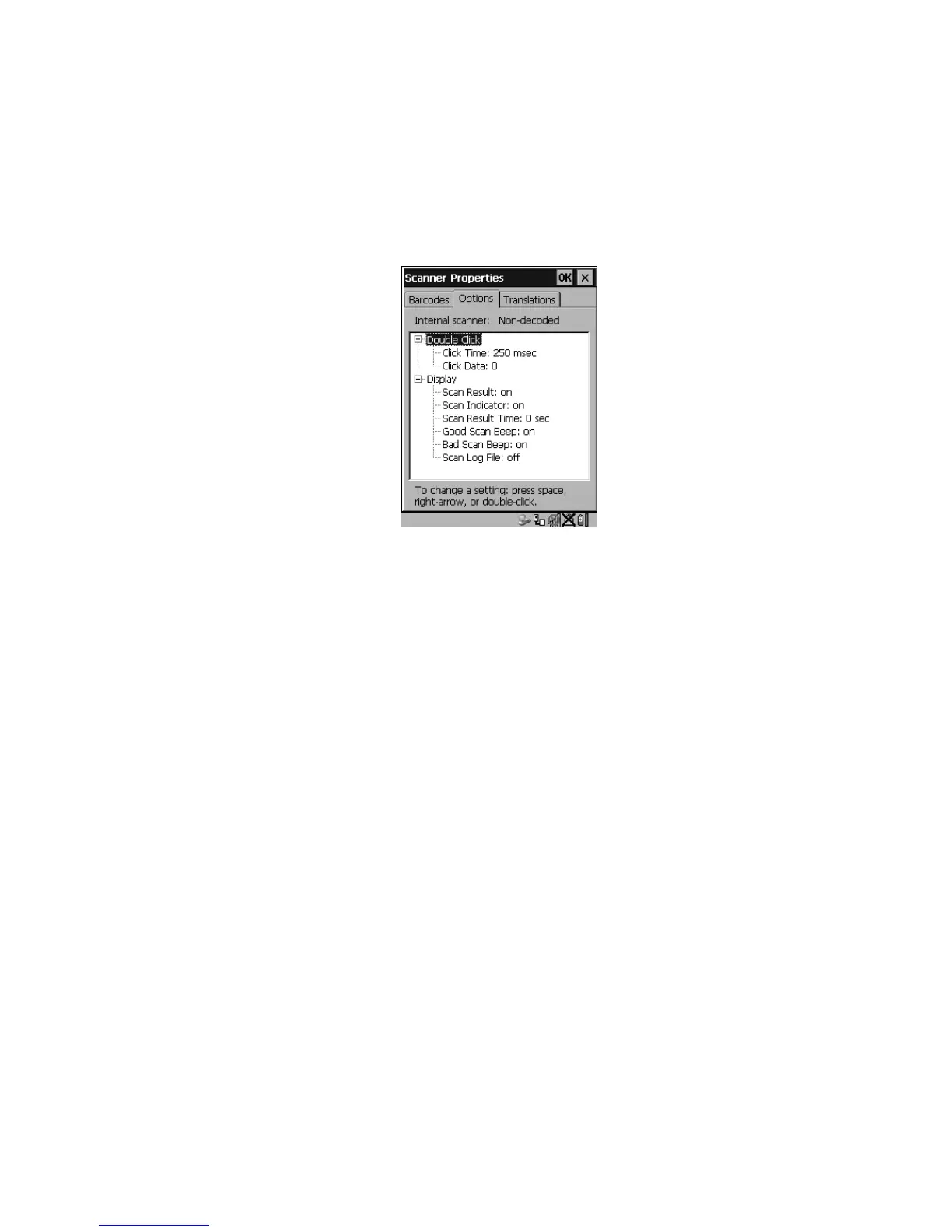
5.10.7 Options Tab
This tab allows you to tailor the double-click parameters and the display options
associated with your scanner.
Figure 5.84 Options Tab
Double Click Parameters
Click Time (msec)
This parameter controls the maximum gap time (in milliseconds) for a double-click.
If the time between the first and second clicks of the scanner trigger is within this
time, it is considered a double-click. The allowable range is 0 to 1000. A value of
zero disables this feature.
A double-click produces different results depending on whether or not a value is
assigned in the “Click Data” parameter. When a value is not assigned for the “Click
Data”, double-clicking the scanner trigger overrides the target dot delay set in the
“Dot Time” parameter and initiates a normal scan sweep. If a value is assigned for
the “Click Data” parameter, double-clicking the scanner trigger inserts the “Click
Data” value rather than initiating a scan.
Click Data
For both integrated and external scanners, this parameter determines which
character is sent to the application installed in your 7535/7530 following a
double-click. A dialog box appears, asking that you press the key you want to insert.
The ASCII/Unicode key value of the keypress is displayed.
Pressing the <ESC> key in this dialog box resets the data to zero.



 To Next Page