Psion Teklogix 7535/7530 Hand-Held Computer User Manual 73
Chapter 4: Working With Windows CE
The Desktop
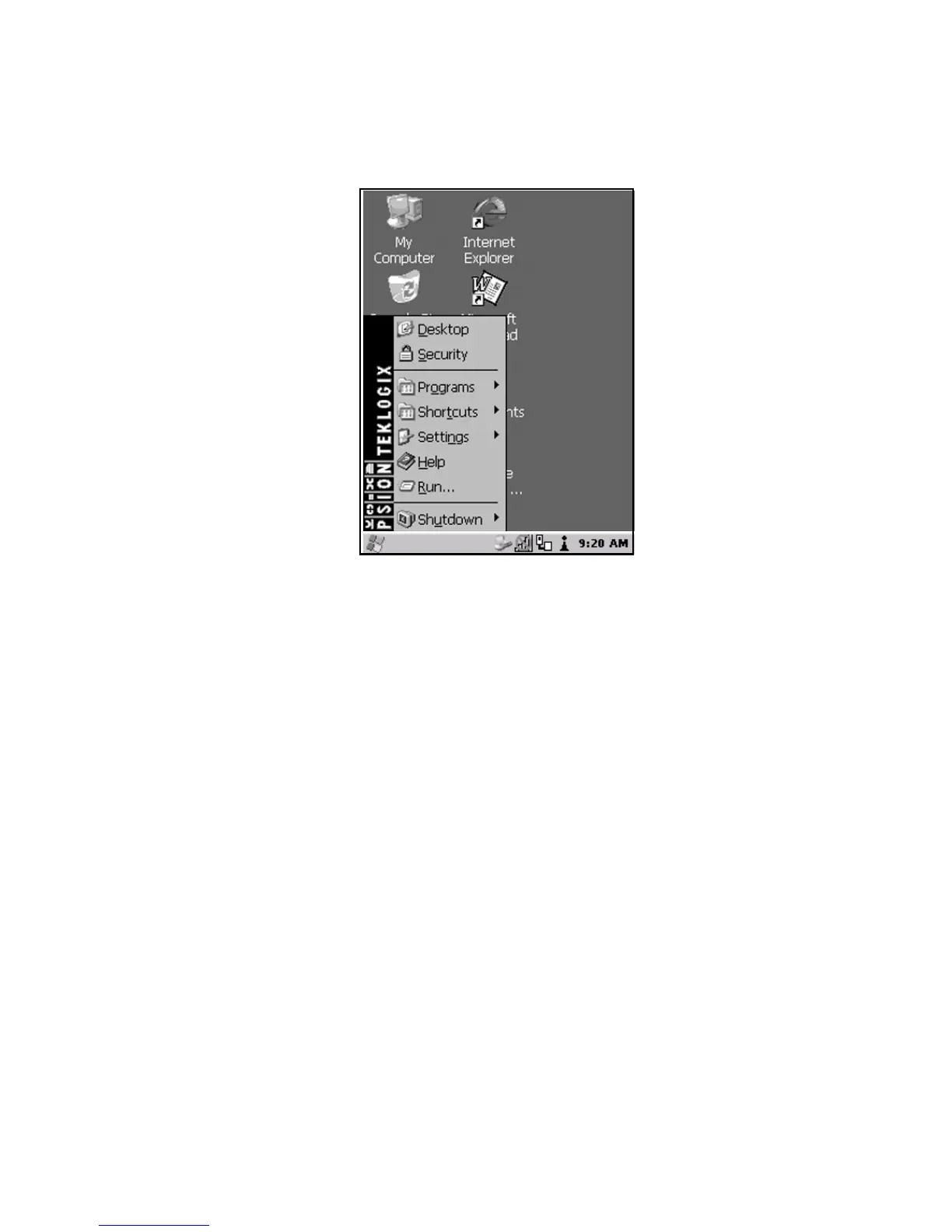
Figure 4.5 Start Menu
If you’re using the keyboard:
• Use the arrow keys to highlight a menu item, and press <ENTER>, or
If the menu item has an underlined character:
• Type the underlined alpha character – for example, to display the Power
Info dialog box, type the letter p.
4.4.1 The Desktop
Choosing the Desktop option from the Start Menu displays the 7535/7530 desktop.



 To Next Page