Chapter 5: Configuration
Control Panel Icons
90
Psion Teklogix 7535/7530 Hand-Held Computer User Manual
If you’re using the keyboard:
• Press <BLUE> <0> to display the Start Menu.
• Highlight Settings in Start Menu, and press the <RIGHT > arrow key to
highlight the Control Panel.
• Press the <ENTER> key.
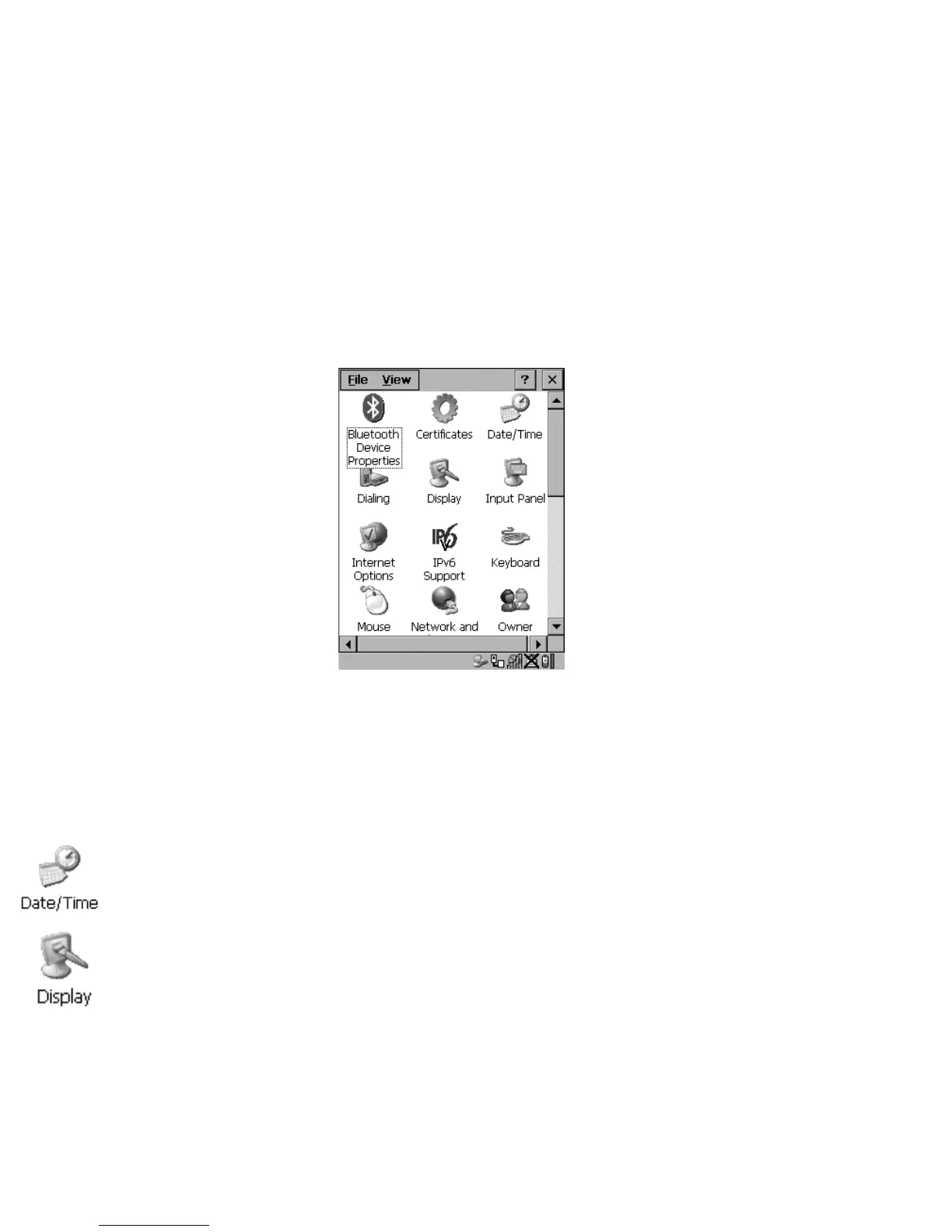
The Control Panel folder contains icons used in the setup of your 7535/7530.
Figure 5.1 Control Panel
5.4 Control Panel Icons
The Control Panel provides a group of icons that allow you to customize and adjust
settings on your 7535/7530.
Date/Time
Allows you to set the current Month, Date, Time and Time Zone on your unit.
Display
Changes the appearance (window colour scheme) on the unit desktop.



 To Next Page