Psion Teklogix 7535/7530 Hand-Held Computer User Manual 105
Chapter 5: Configuration
Scancode Remapping
5.5.2.6 Scancode Remapping
A scancode is a number that is associated with a physical key on a keyboard. Every
key has a unique scancode that is mapped to a virtual key, a function or a macro.
Scancode Remapping allows you to change the functionality of any key on the
keyboard. A key can be remapped to send a virtual key (e.g. VK_F represents the
‘F’ key; VK_RETURN represents the <ENTER/ON> key, etc.), perform a function
(e.g. turn the scanner on, change volume/contrast, etc.) or run a macro.
There are three different tables of scancode mappings: the Normal table, the Blue
table and the Orange table. The Normal table defines unmodified key presses; the
Blue table defines key presses that occur when the <BLUE> modifier is on; the
Orange table defines key presses that occur when the <ORANGE> modifier is on.
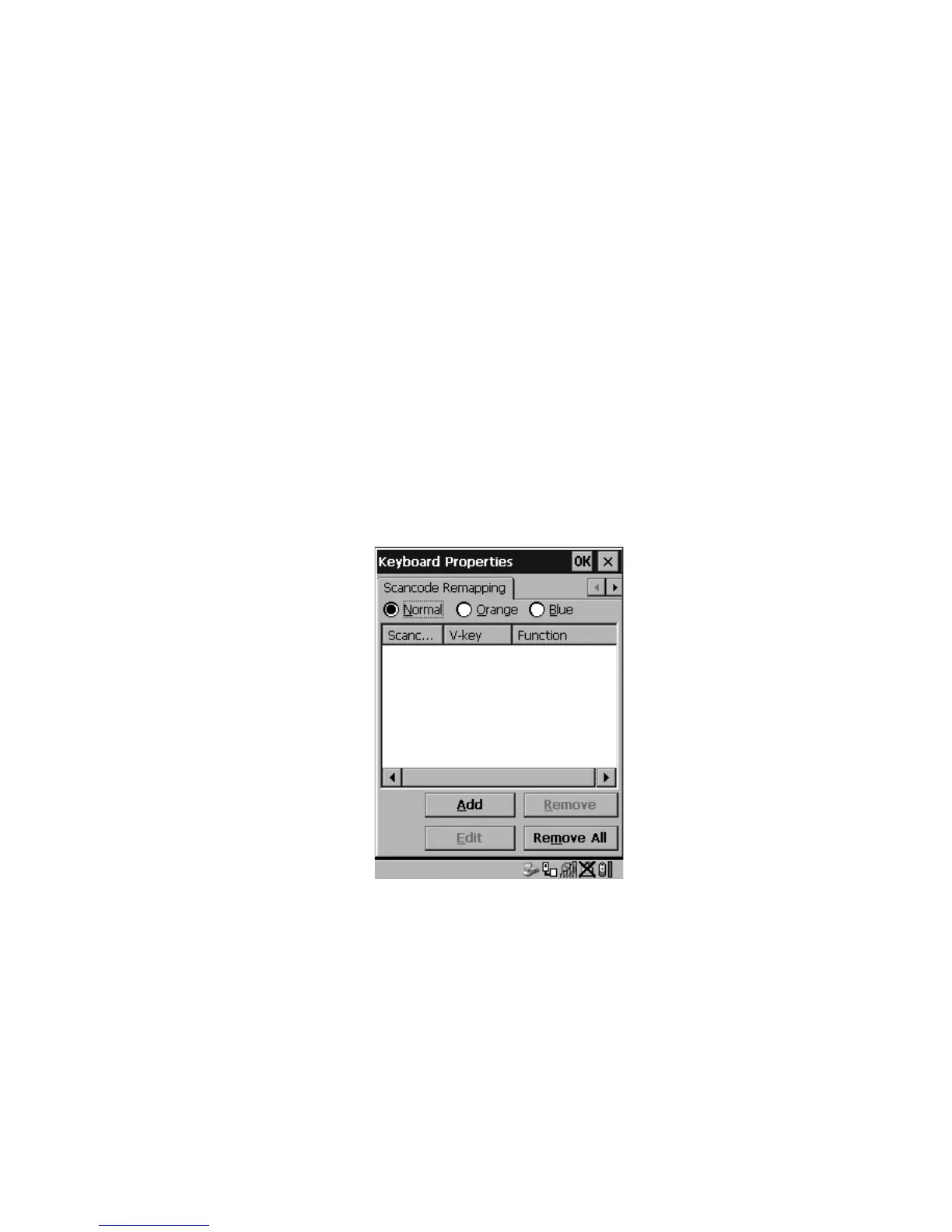
The default mappings of these scancodes can be overwritten for each of these three
tables using the Scancode Remapping tab accessed from the Keyboard Properties
dialog box.
Figure 5.14 Scancode Remapping
The first column in the Scancode Remapping tab displays the scancodes in
hexidecimal. If the scancode is remapped to a virtual key, that virtual key is
displayed in the next column labelled ‘V-Key’. A virtual key that is ‘Shifted’ or
‘Unshifted’ is displayed in the third column labelled ‘Function’.



 To Next Page