Psion Teklogix 7535/7530 Hand-Held Computer User Manual 135
Chapter 5: Configuration
Restoring A Profile
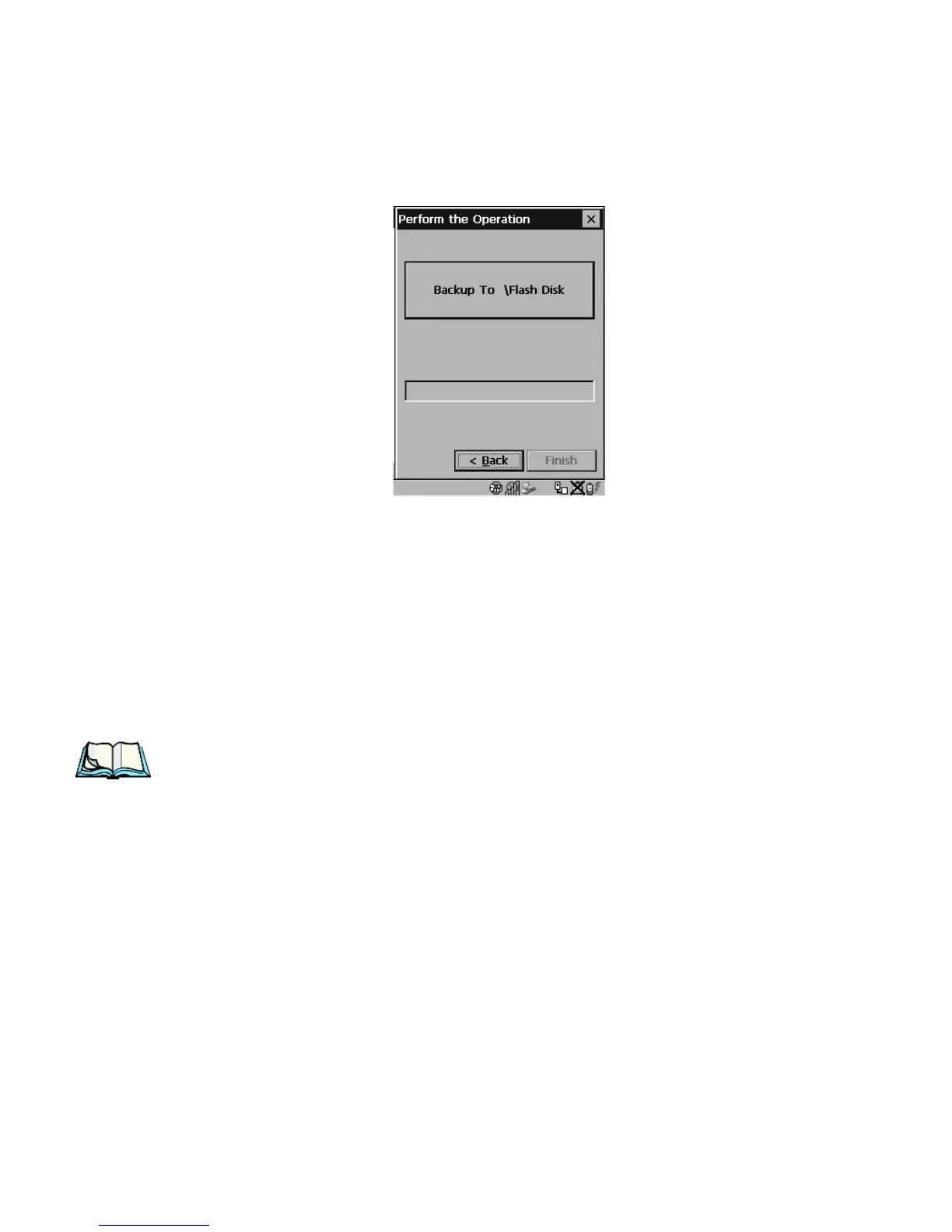
Performing The Backup
Figure 5.58 Performing The Backup
• Choose the Backup To \Flash or \Storage Card button to start the process,
and create a profile.
5.7.2 Restoring A Profile
To manually restore a profile:
• Choose Restore Selected Profile from the dropdown menu, and choose the
Profile Name displayed in the drop down box.
Note: You can also manually restore an auto restore profile located in flash or a
storage device.



 To Next Page